TERA
AI App Builder
Real-World Project Case Study
Project Type
SaaS Product
Project Category
PROJECT OVERVIEW
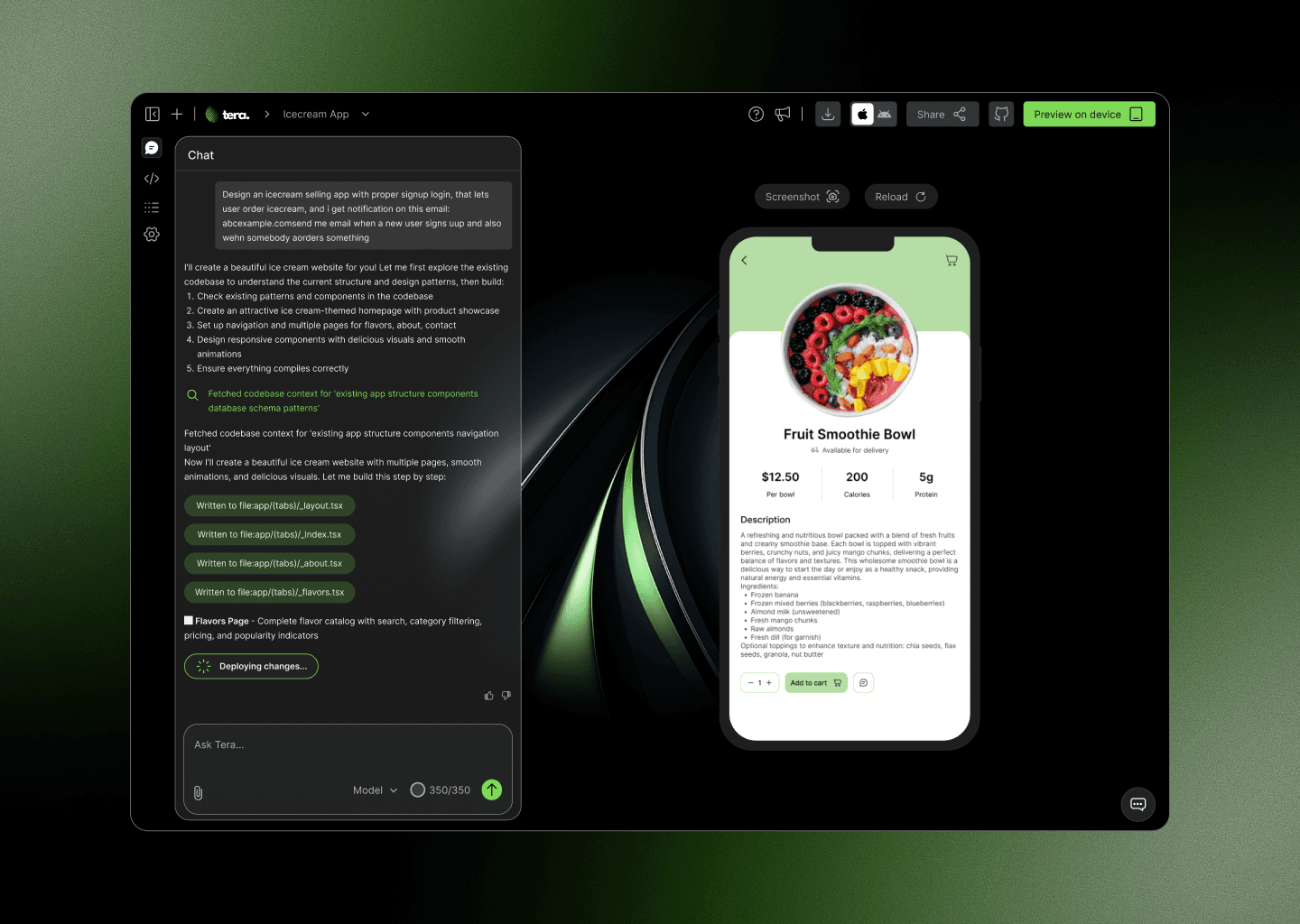
Tera lets anyone build and publish real React Native mobile apps through natural language prompts; no code required. The product targets founders and makers who have app ideas but face a steep barrier with traditional development.
I designed the full product UI across dark and light themes: the initial prompt screen, the main builder workspace (chat, code view, live preview, health, logs), and the publish flow. The design needed to feel powerful enough for developers yet approachable enough for first-timers.
PROJECT OVERVIEW
Tera lets anyone build and publish real React Native mobile apps through natural language prompts; no code required. The product targets founders and makers who have app ideas but face a steep barrier with traditional development.
I designed the full product UI across dark and light themes: the initial prompt screen, the main builder workspace (chat, code view, live preview, health, logs), and the publish flow. The design needed to feel powerful enough for developers yet approachable enough for first-timers.
USER INTERFACE
SIGNUP/LOGIN SCREENS
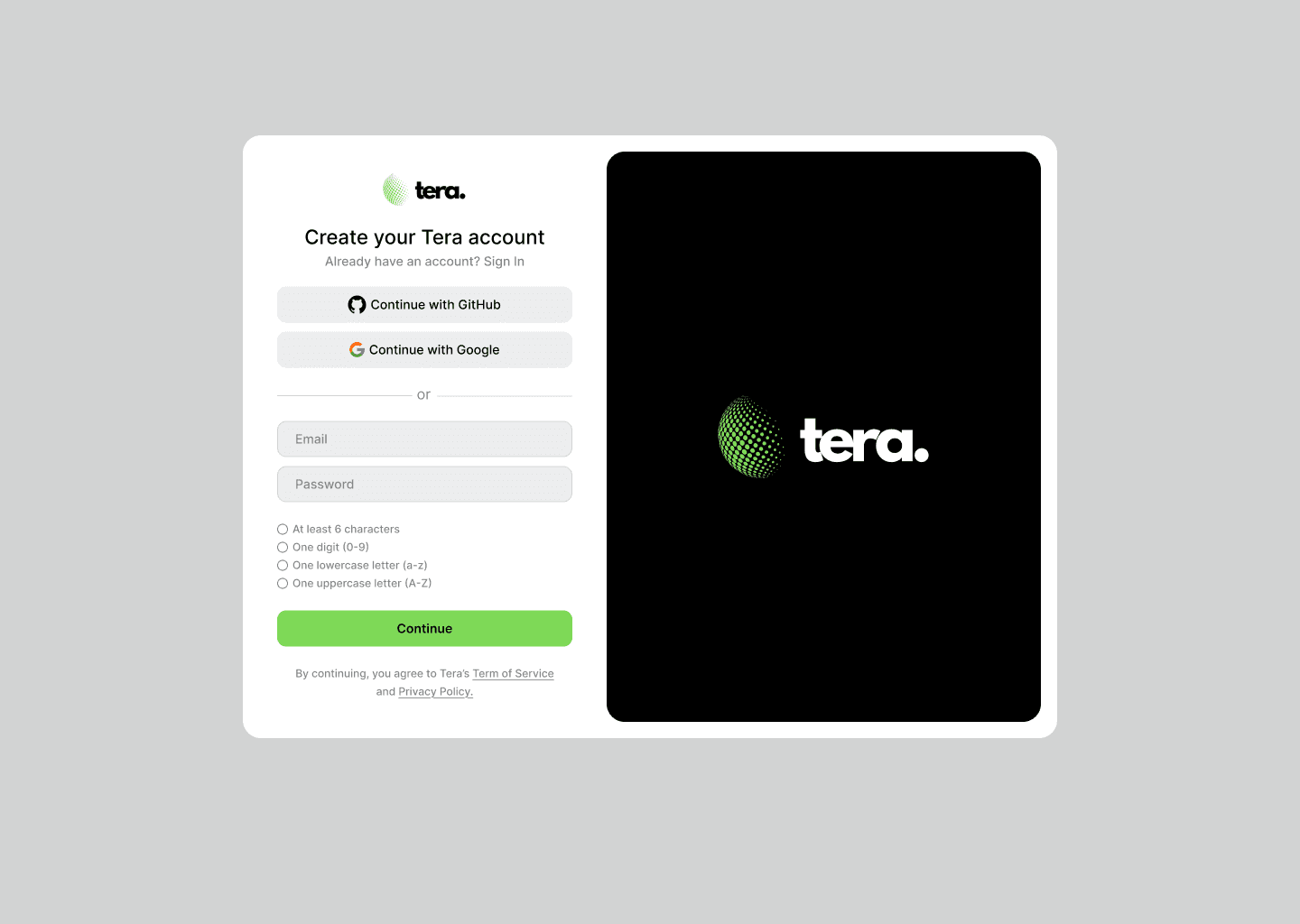
Sign Up
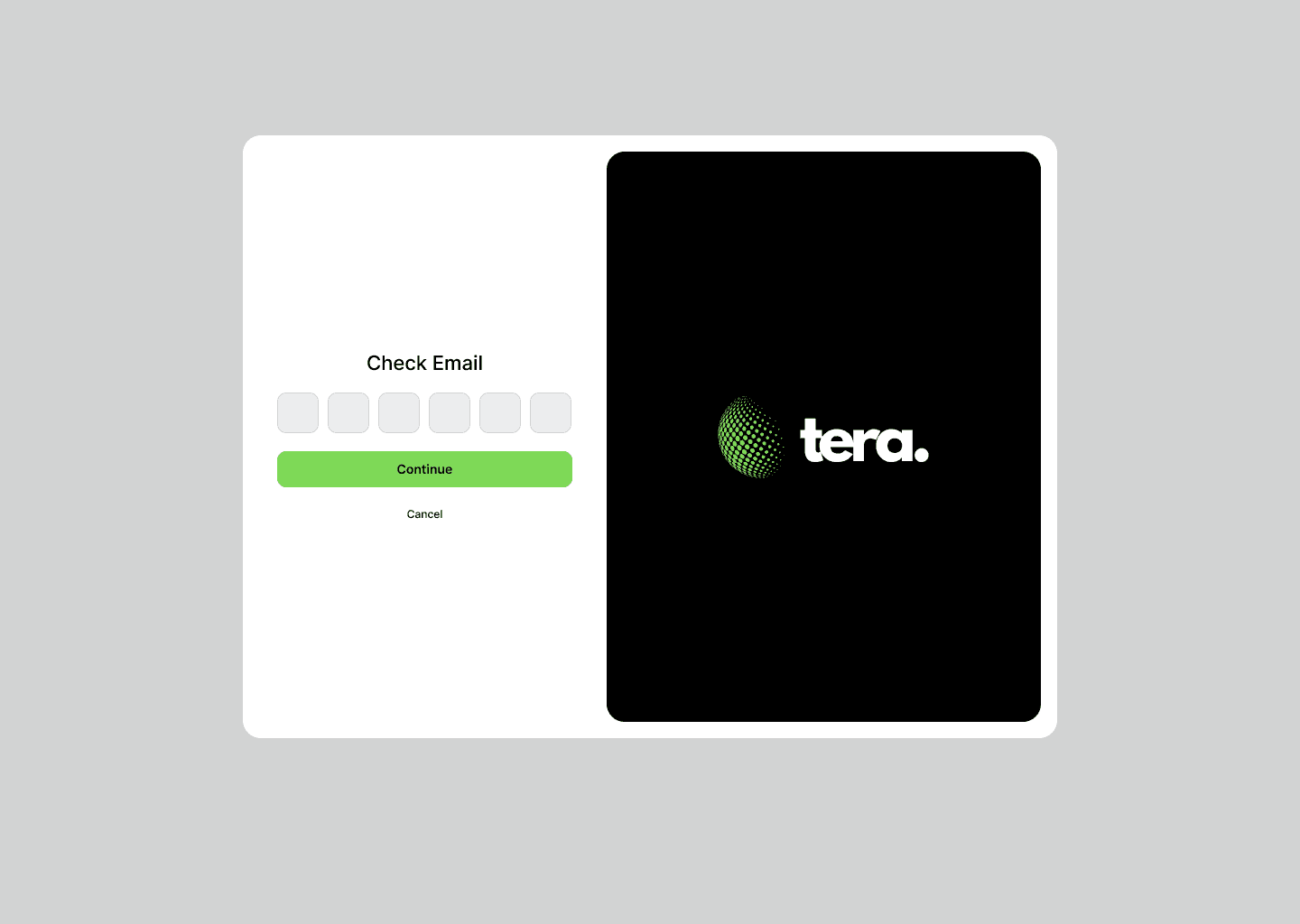
Sign Up with email code
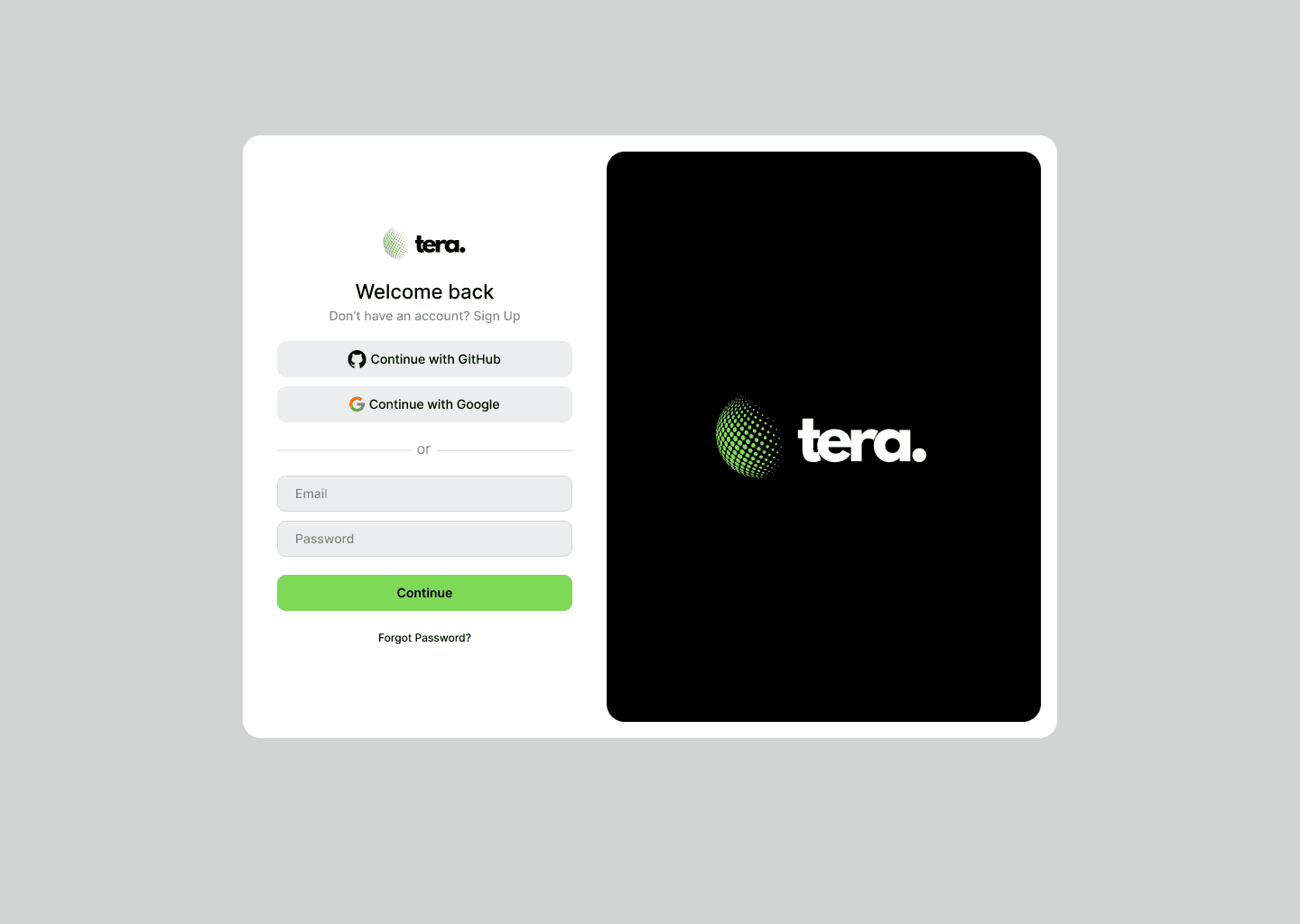
Log In
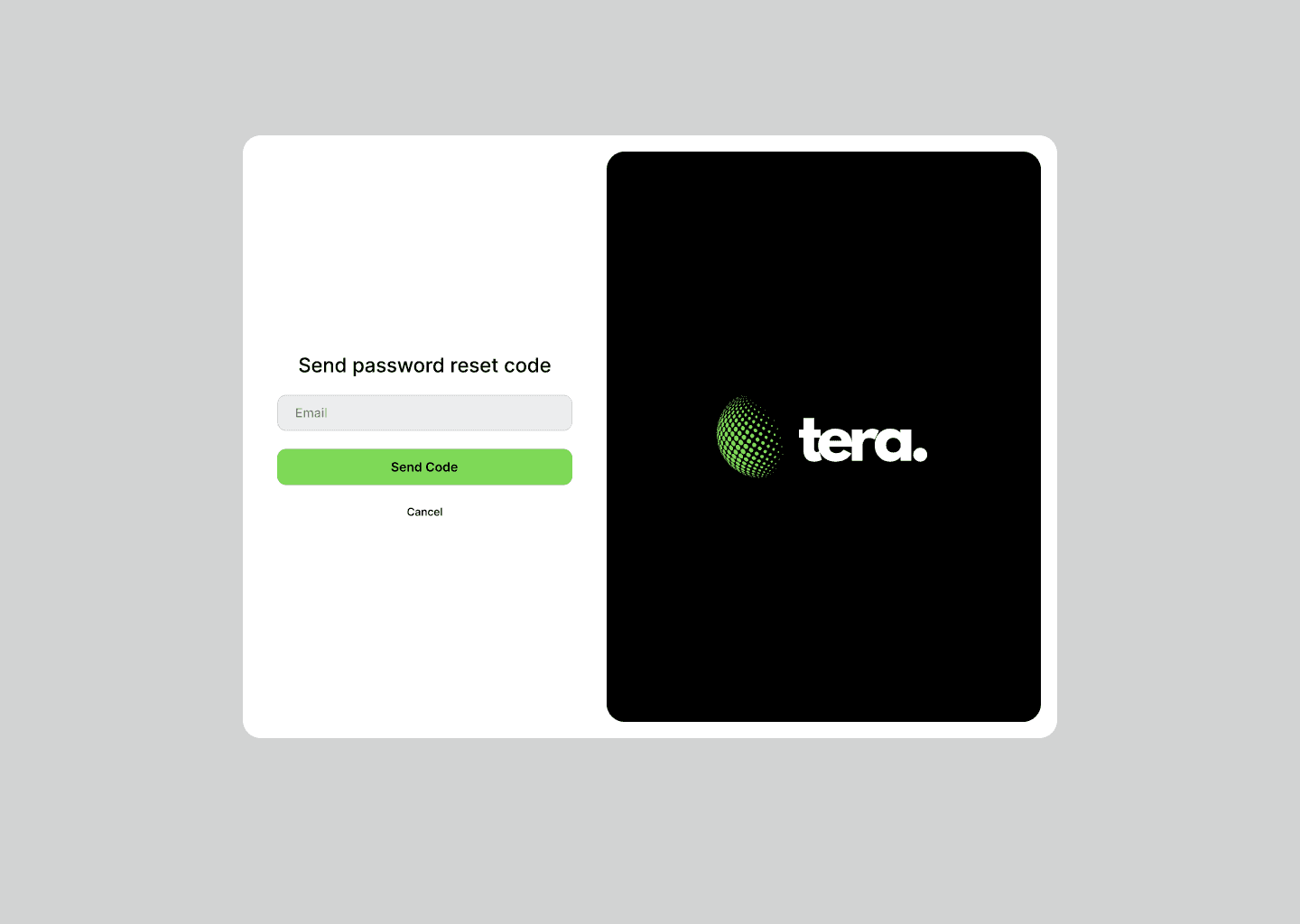
Provide email to reset password
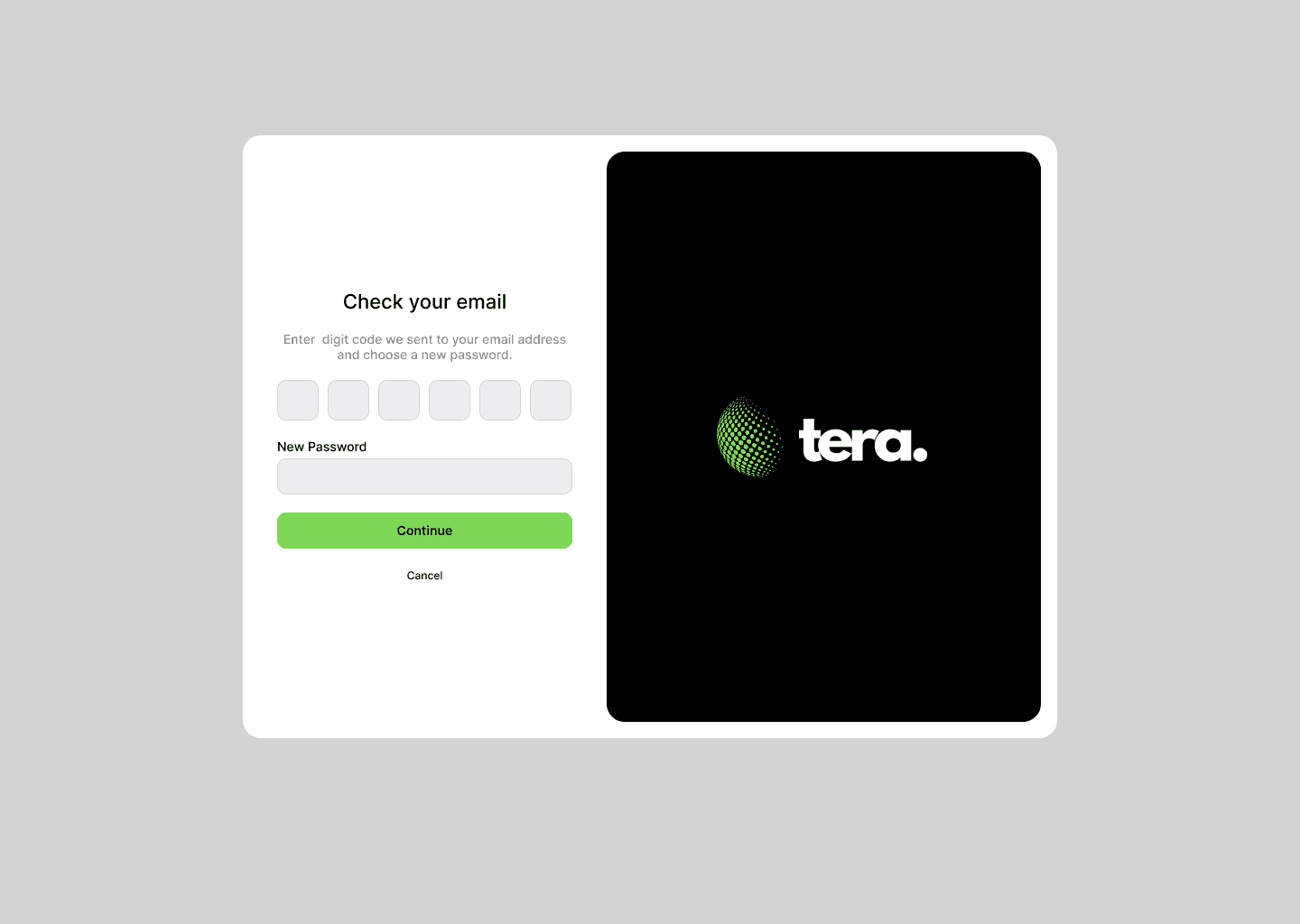
Enter New Password
ONBOARDING QUESTIONNAIRE SCREENS
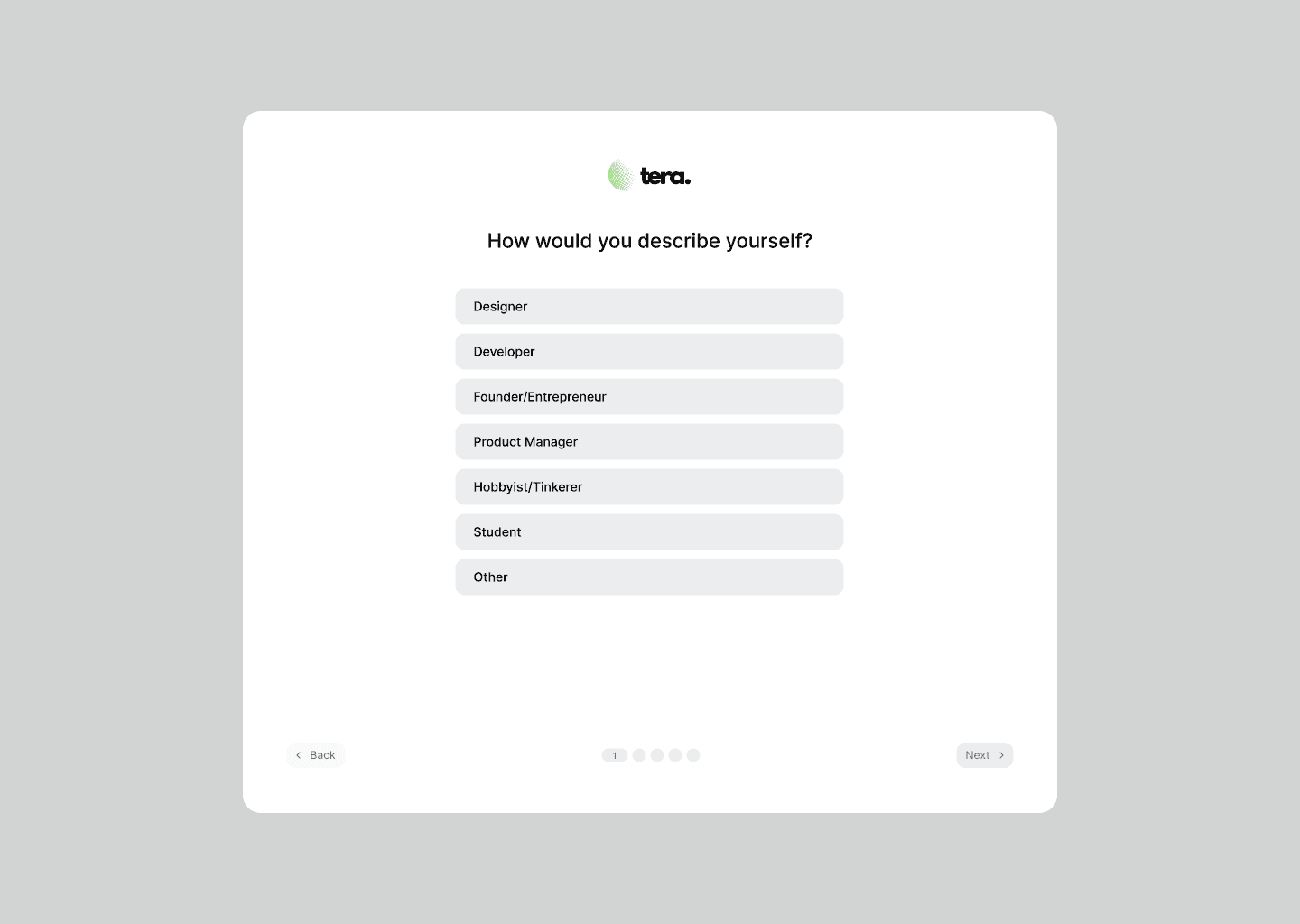
Question 1
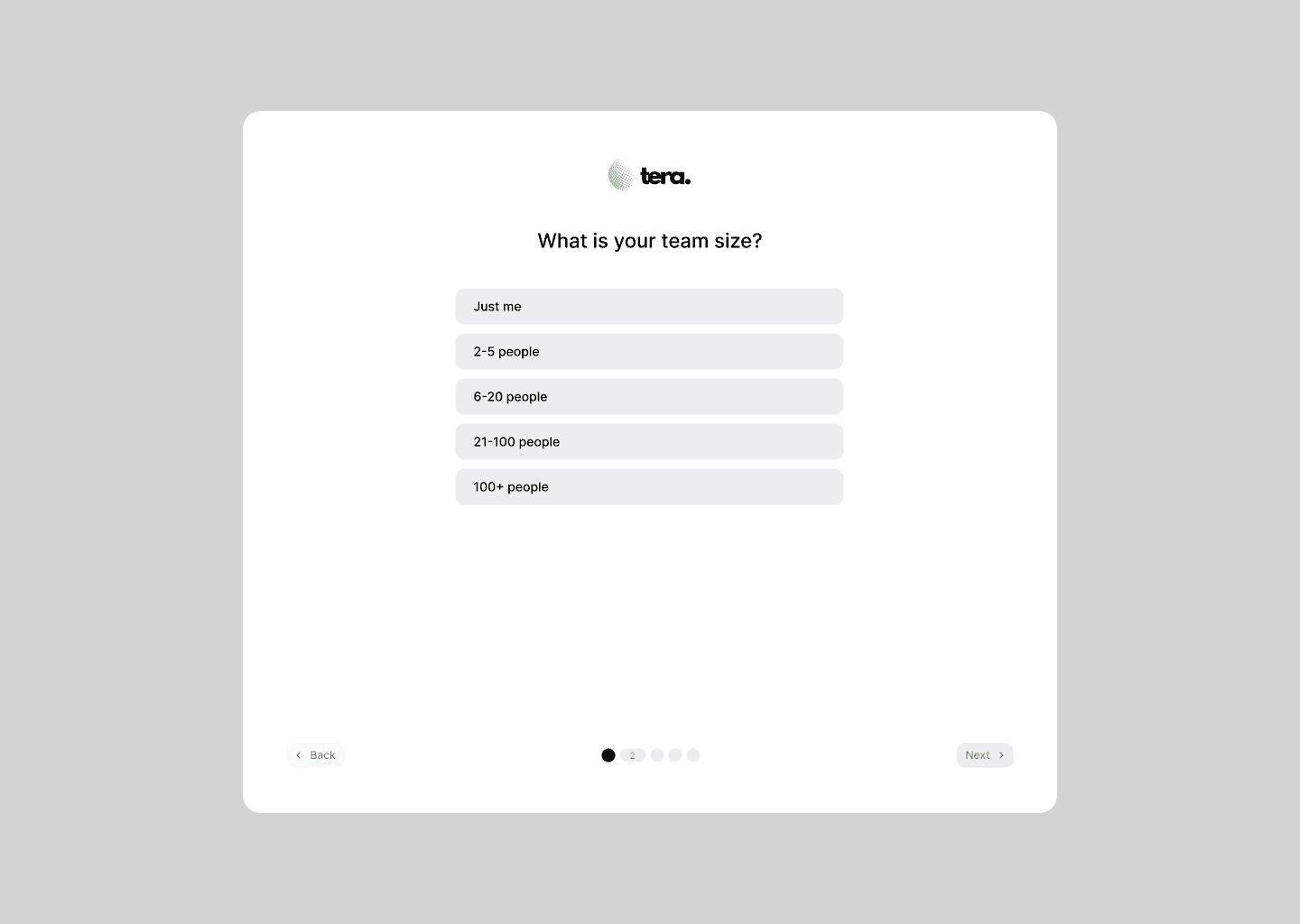
Question 2
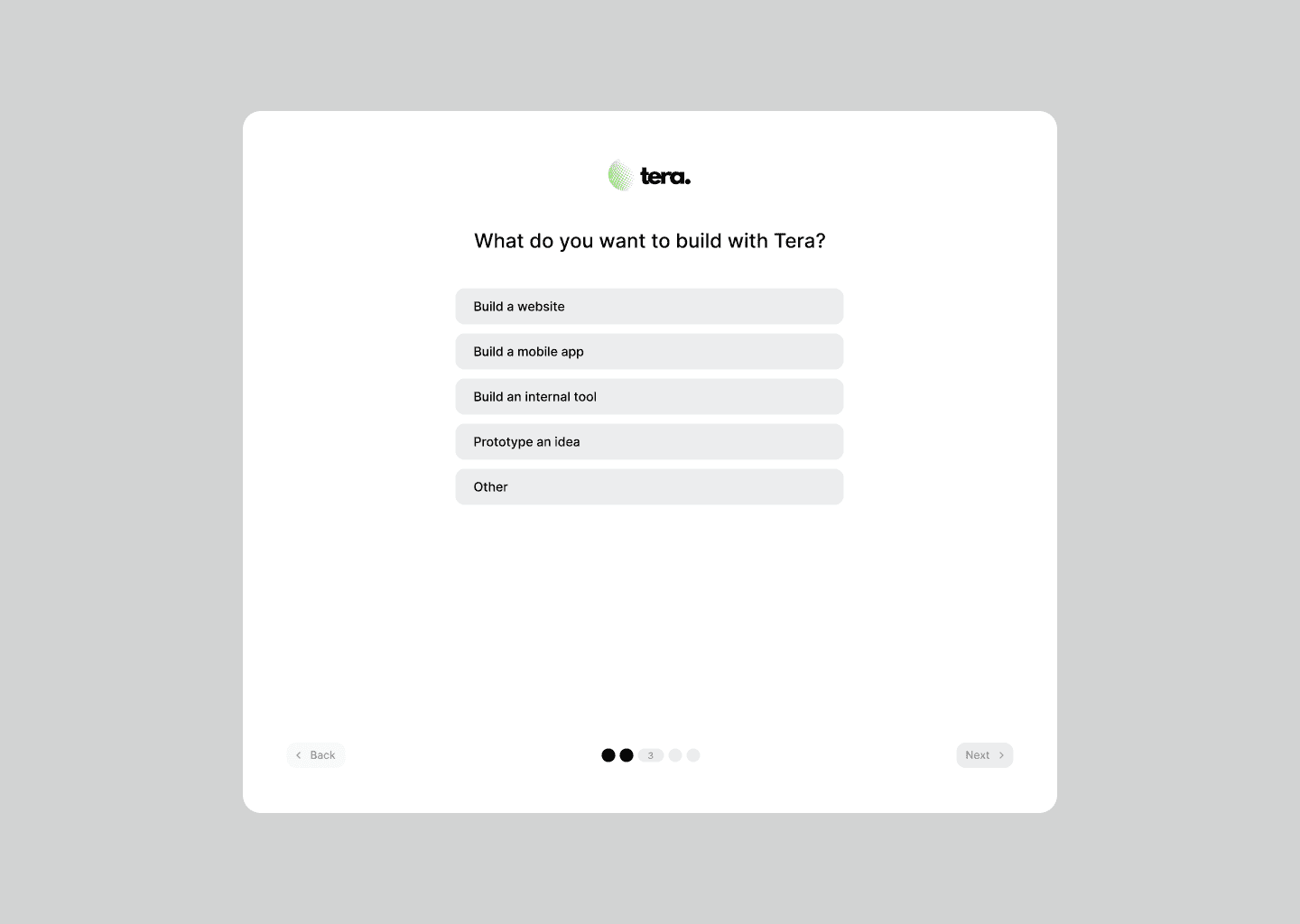
Question 3
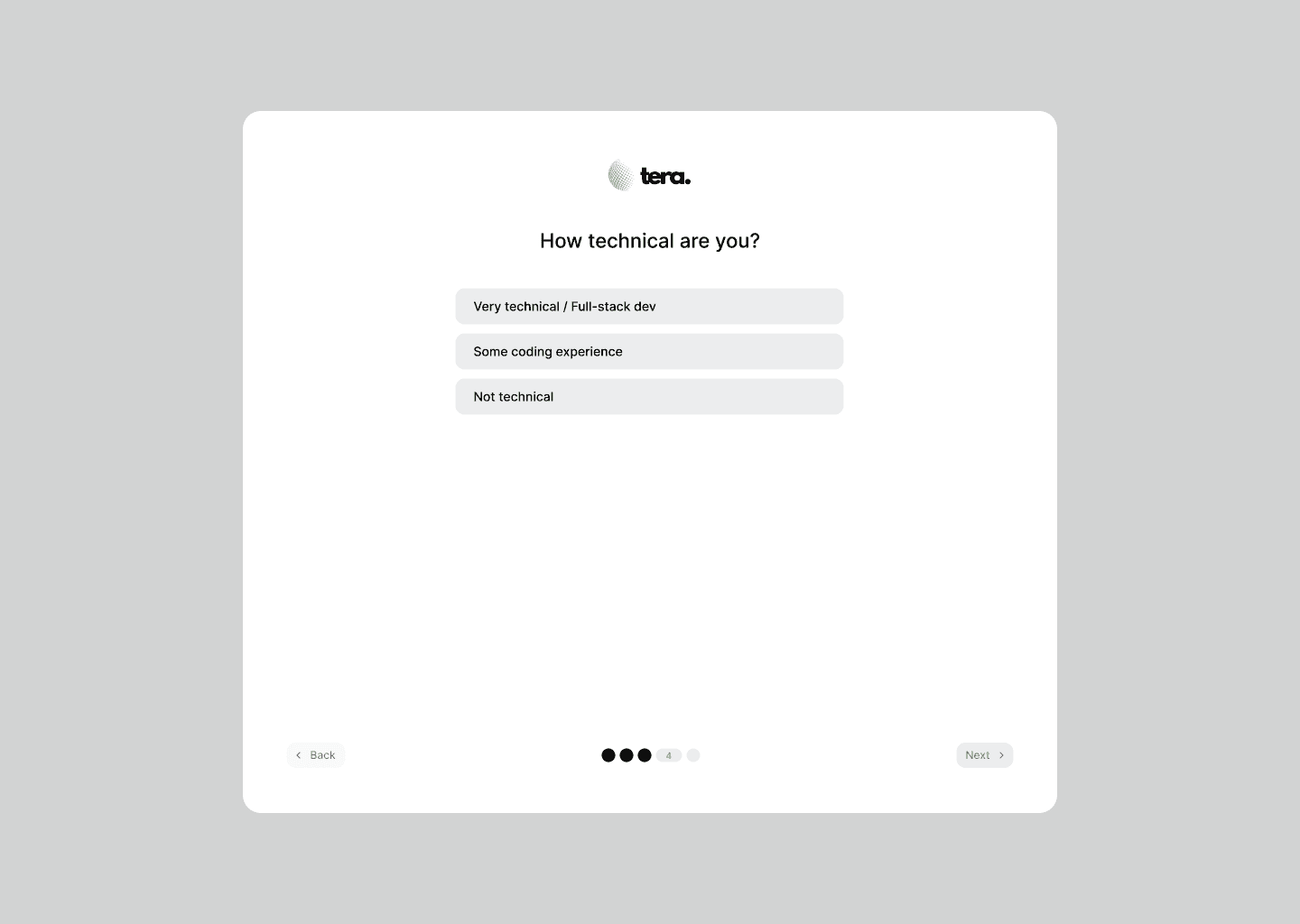
Question 4
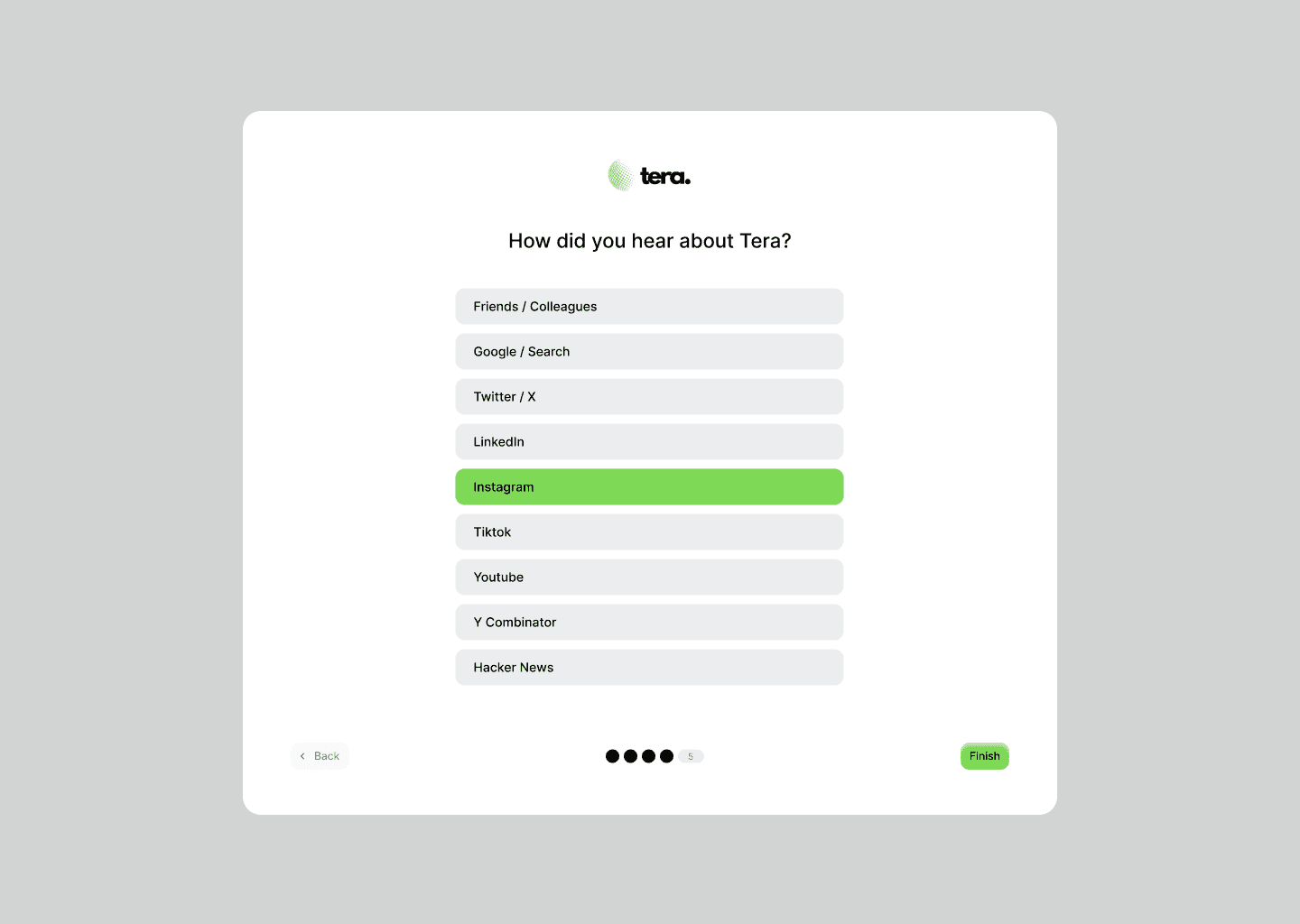
Question 5
DARK THEME
DARK THEME
INTERFACE SCREENS
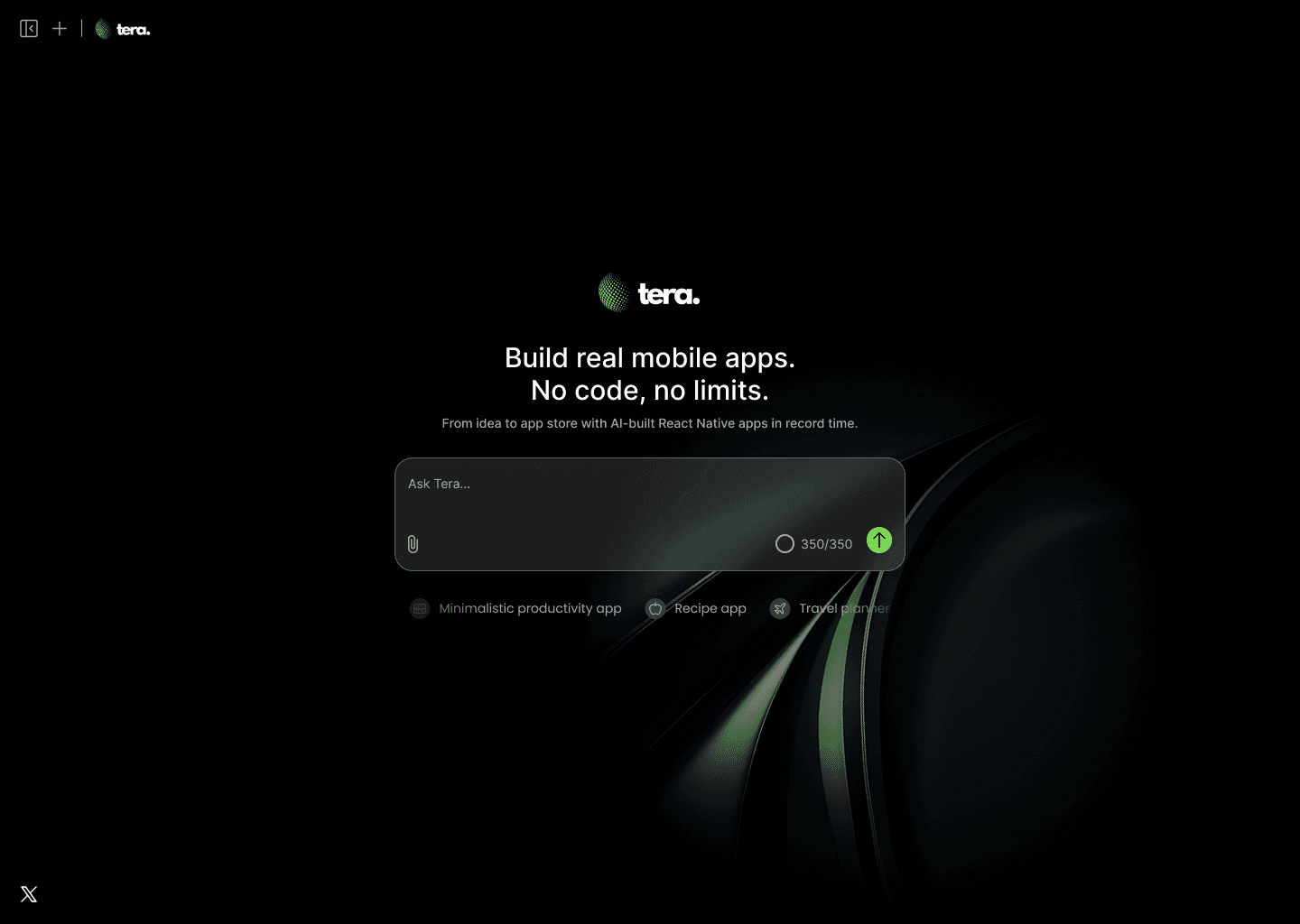
Prompt Entry Screen
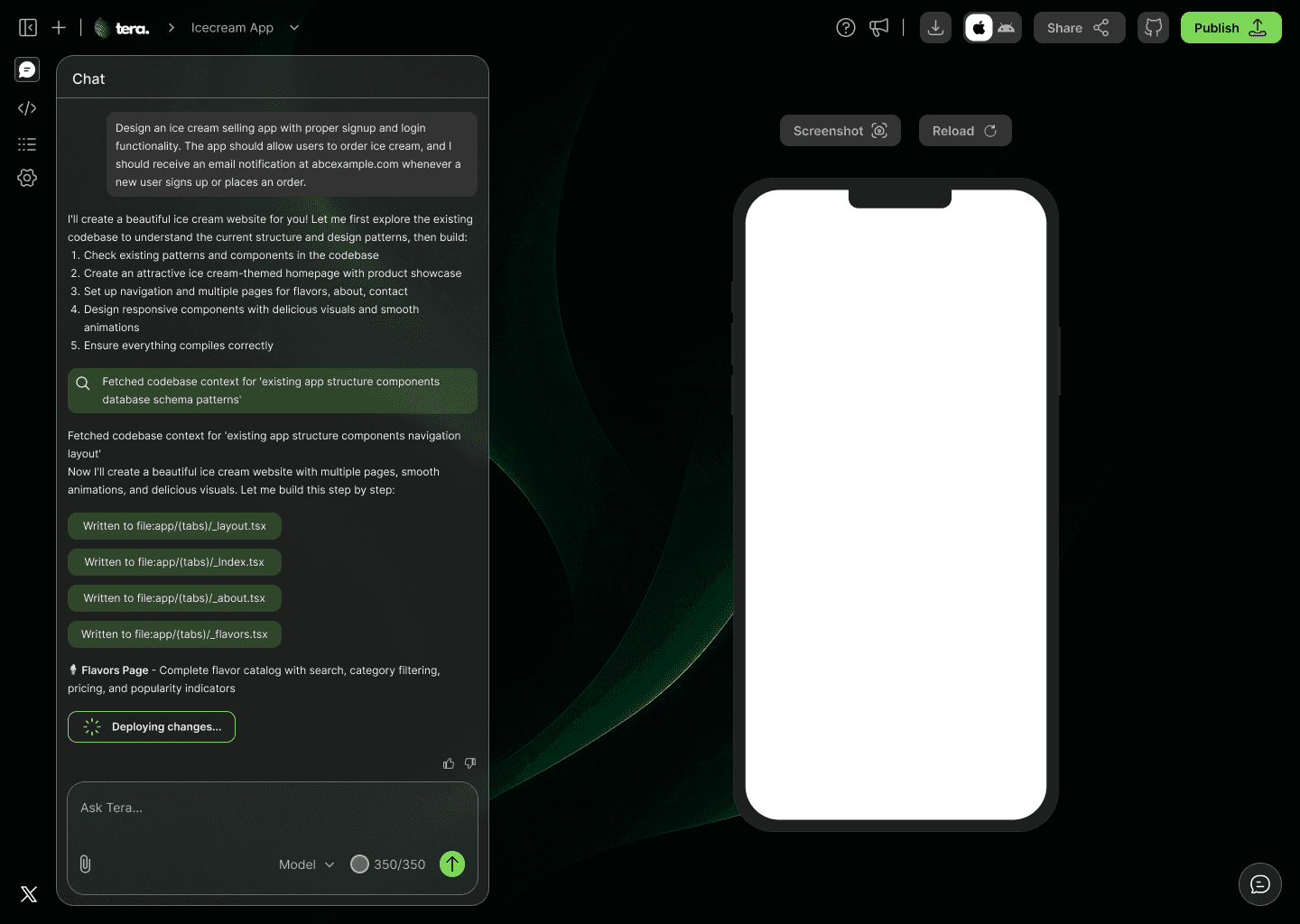
Chat With Tera
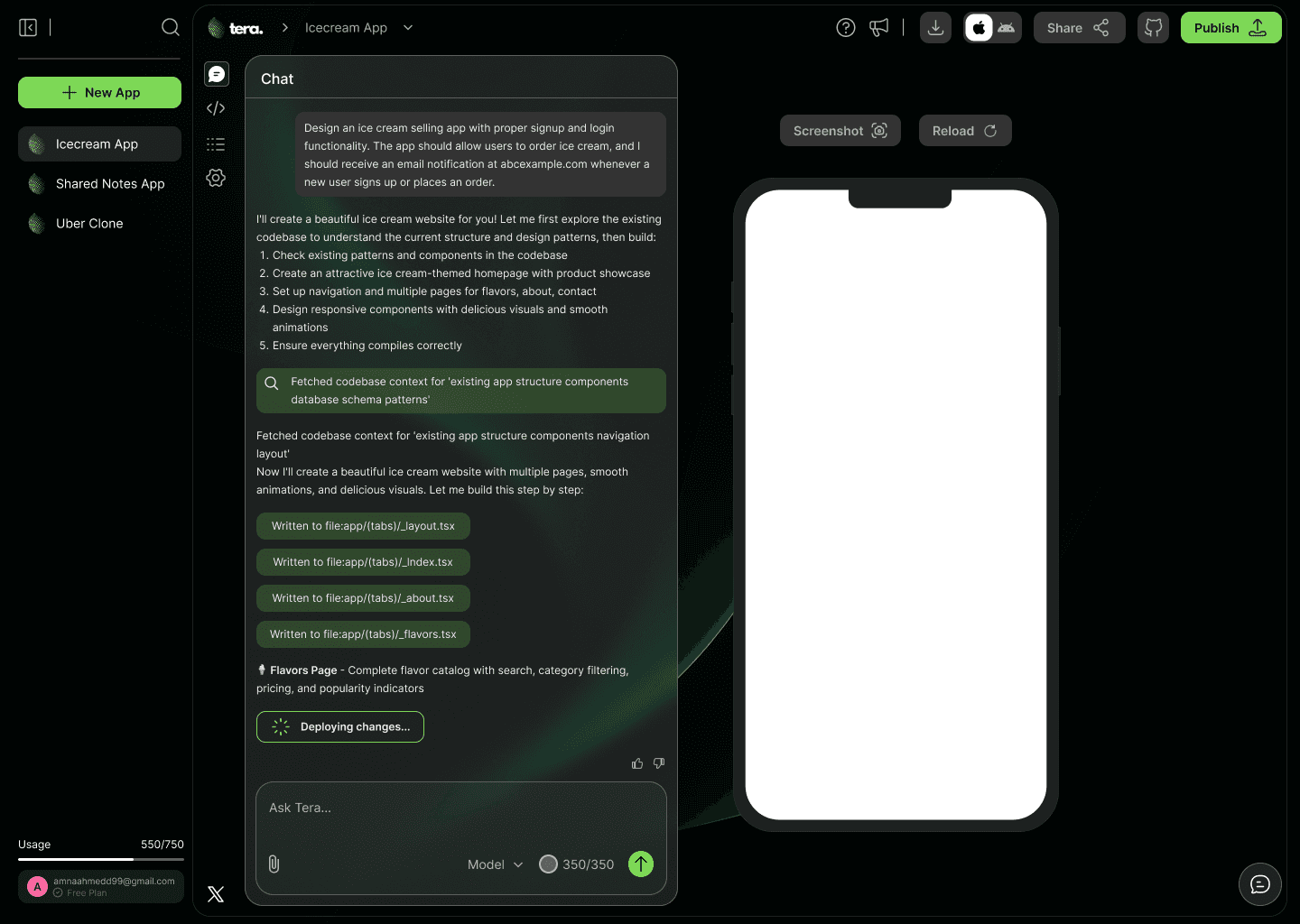
Sidebar Expanded
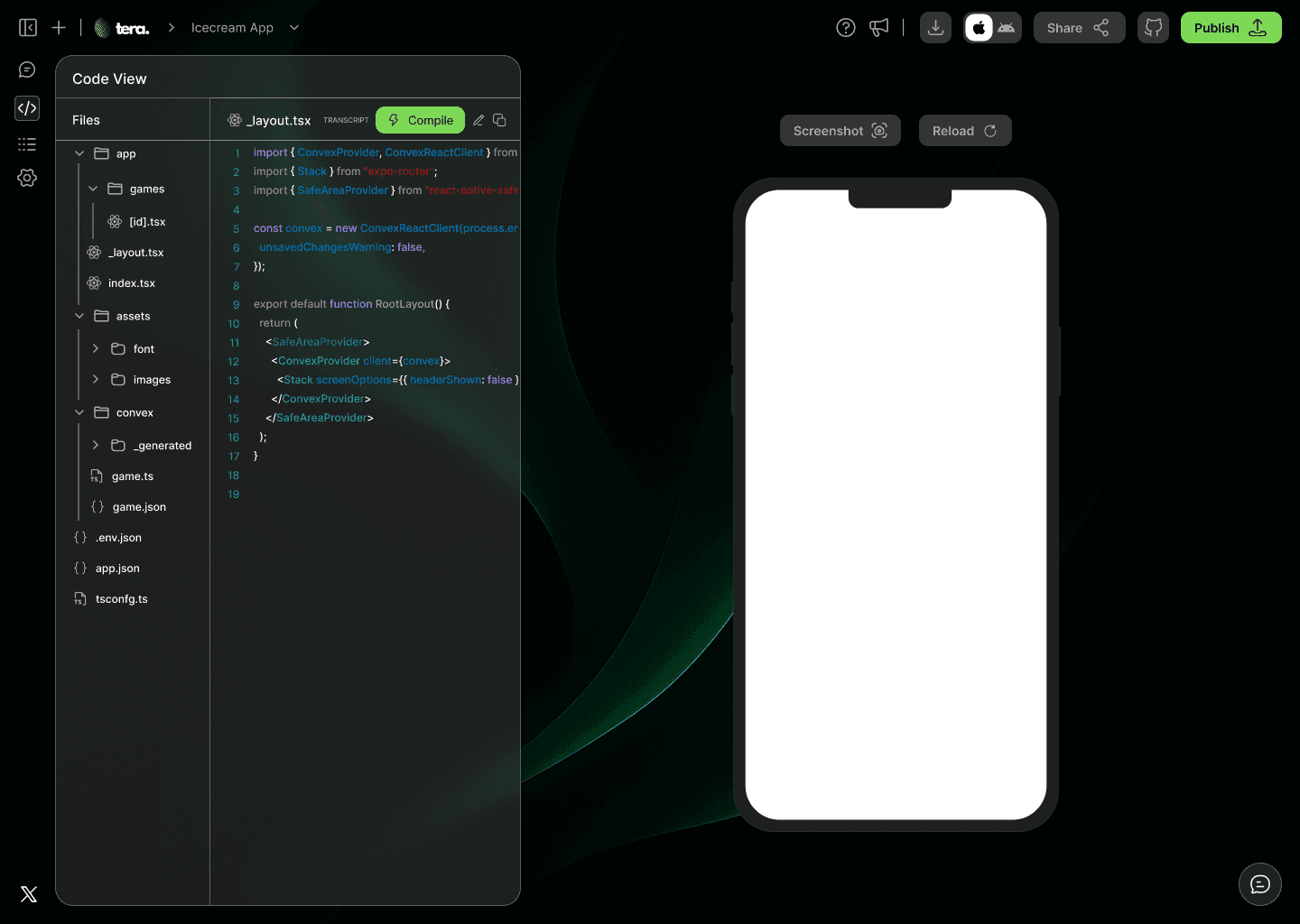
Code View Tab
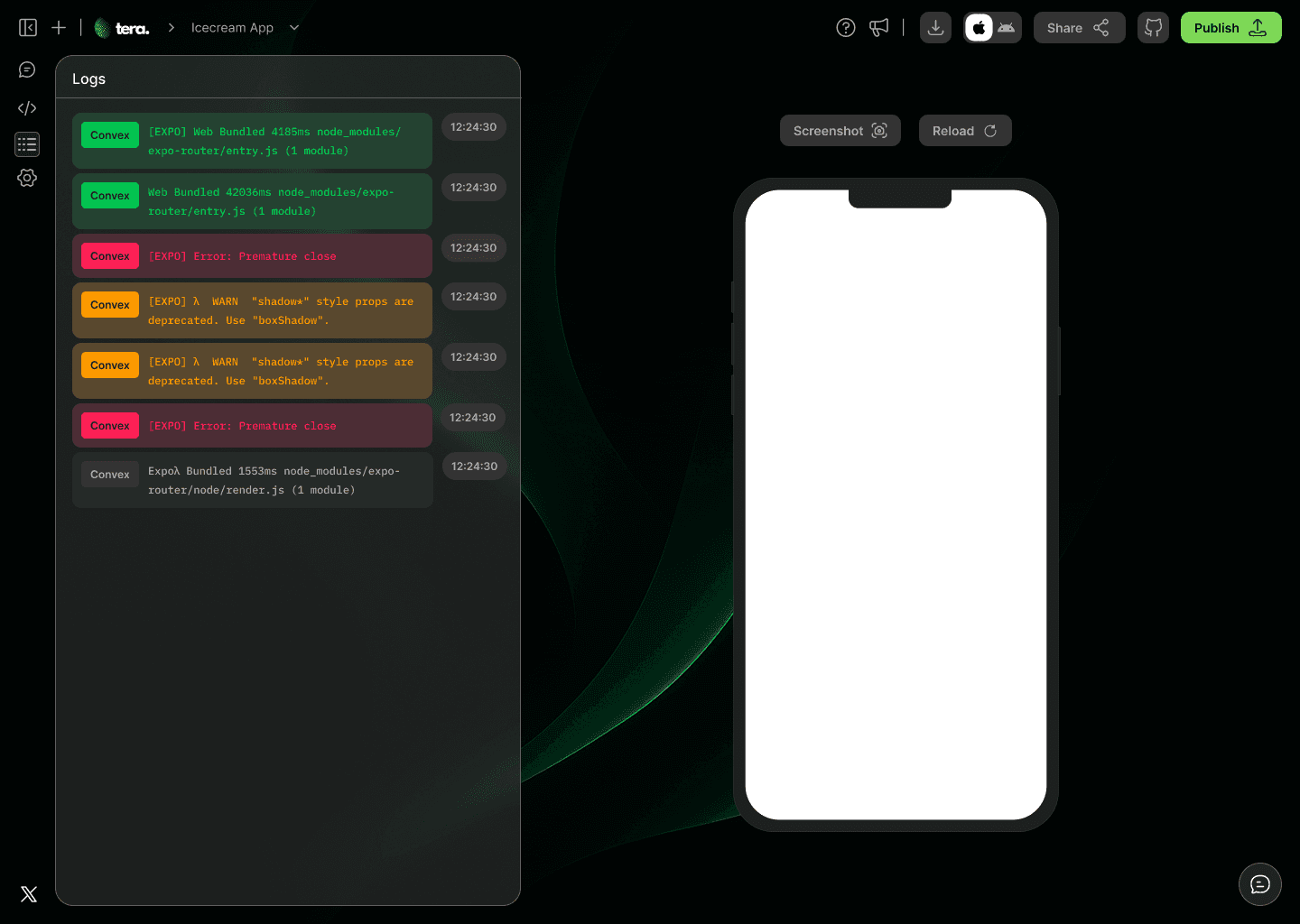
Logs Tab
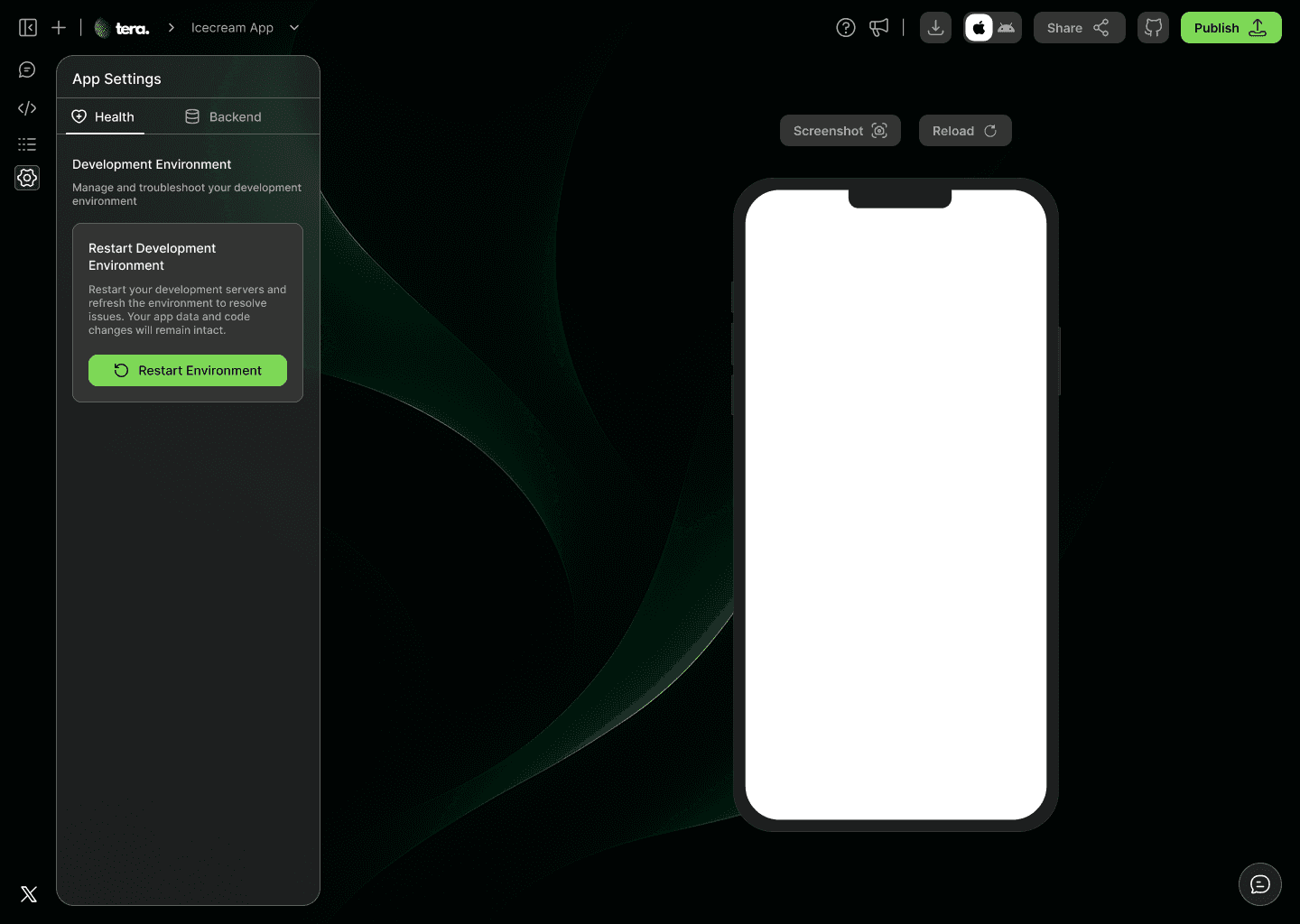
Health Tab
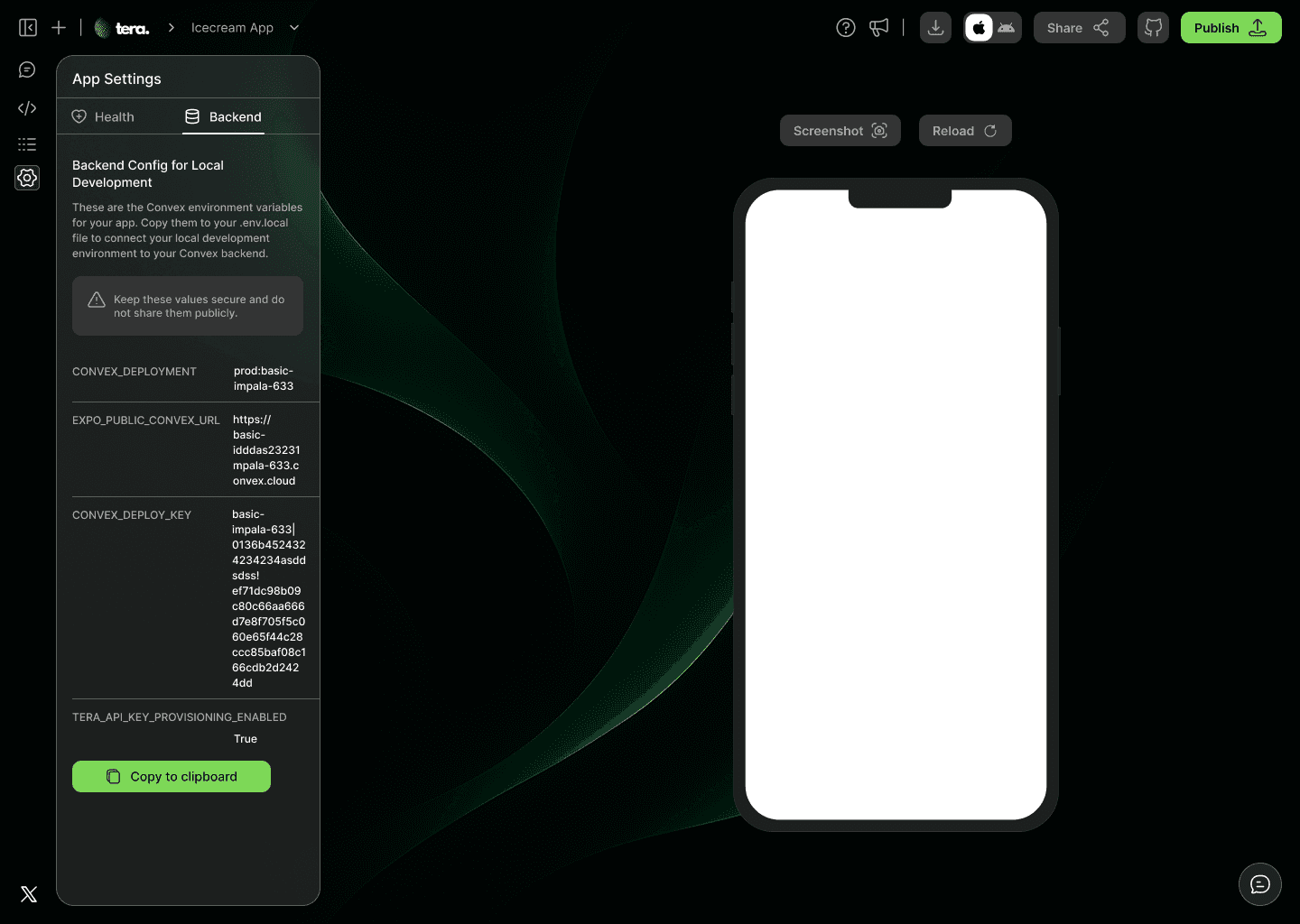
Backend Tab
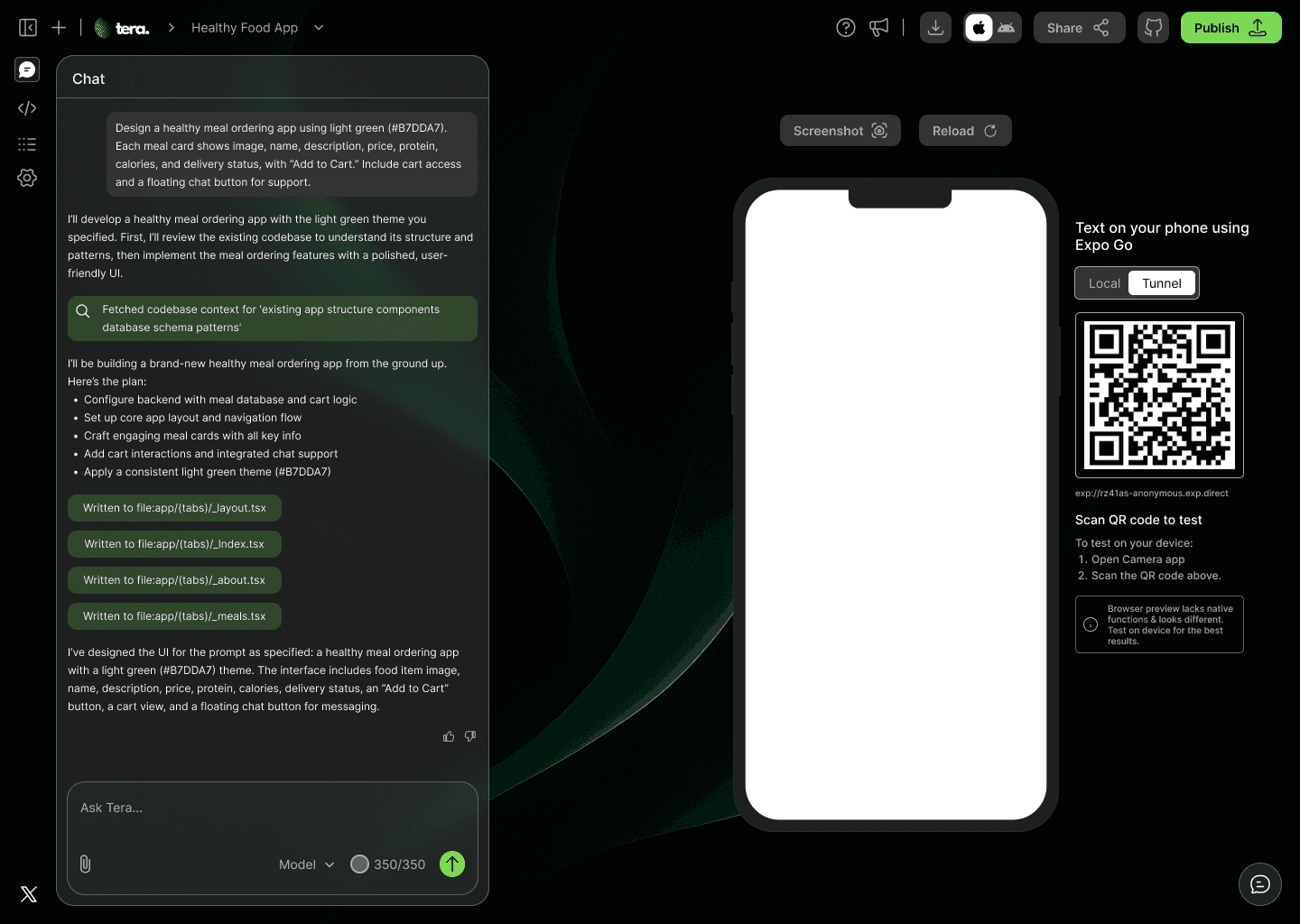
QR Code for testing
CHATBOT UI FOR DARK THEME
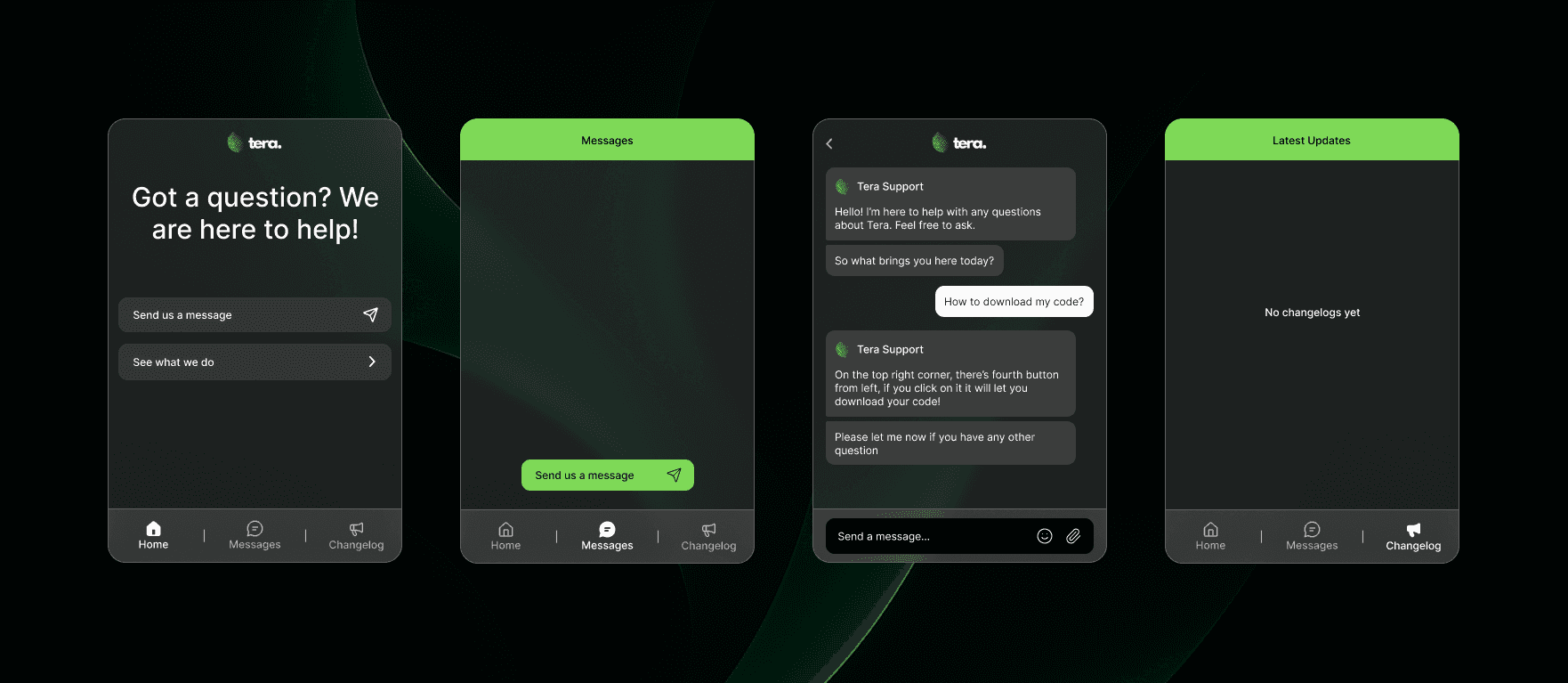
Chatbot Interface
POPUPS & DIALOGUE BOXES FOR DARK THEME
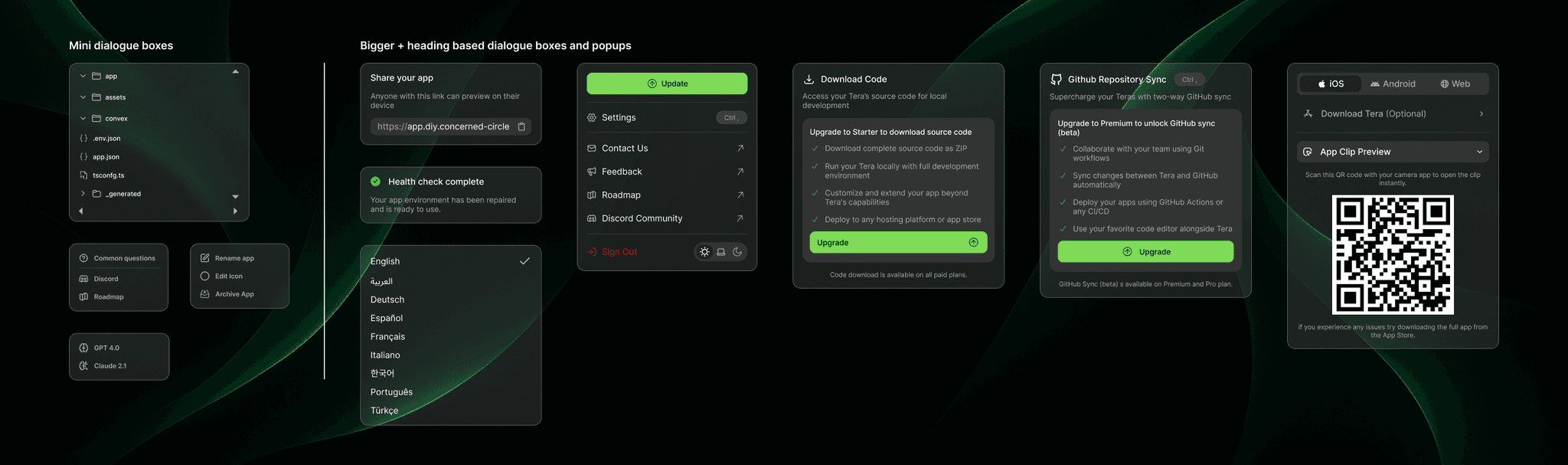
Popups & dialogue boxes
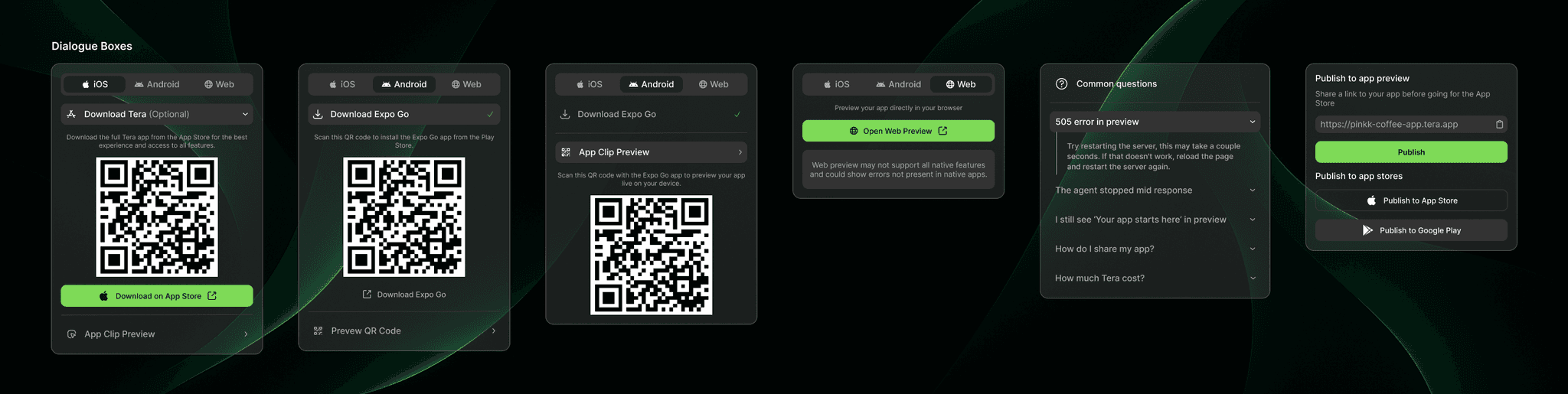
Popups & dialogue boxes
LIGHT THEME
LIGHT THEME
USER INTERFACE SCREENS
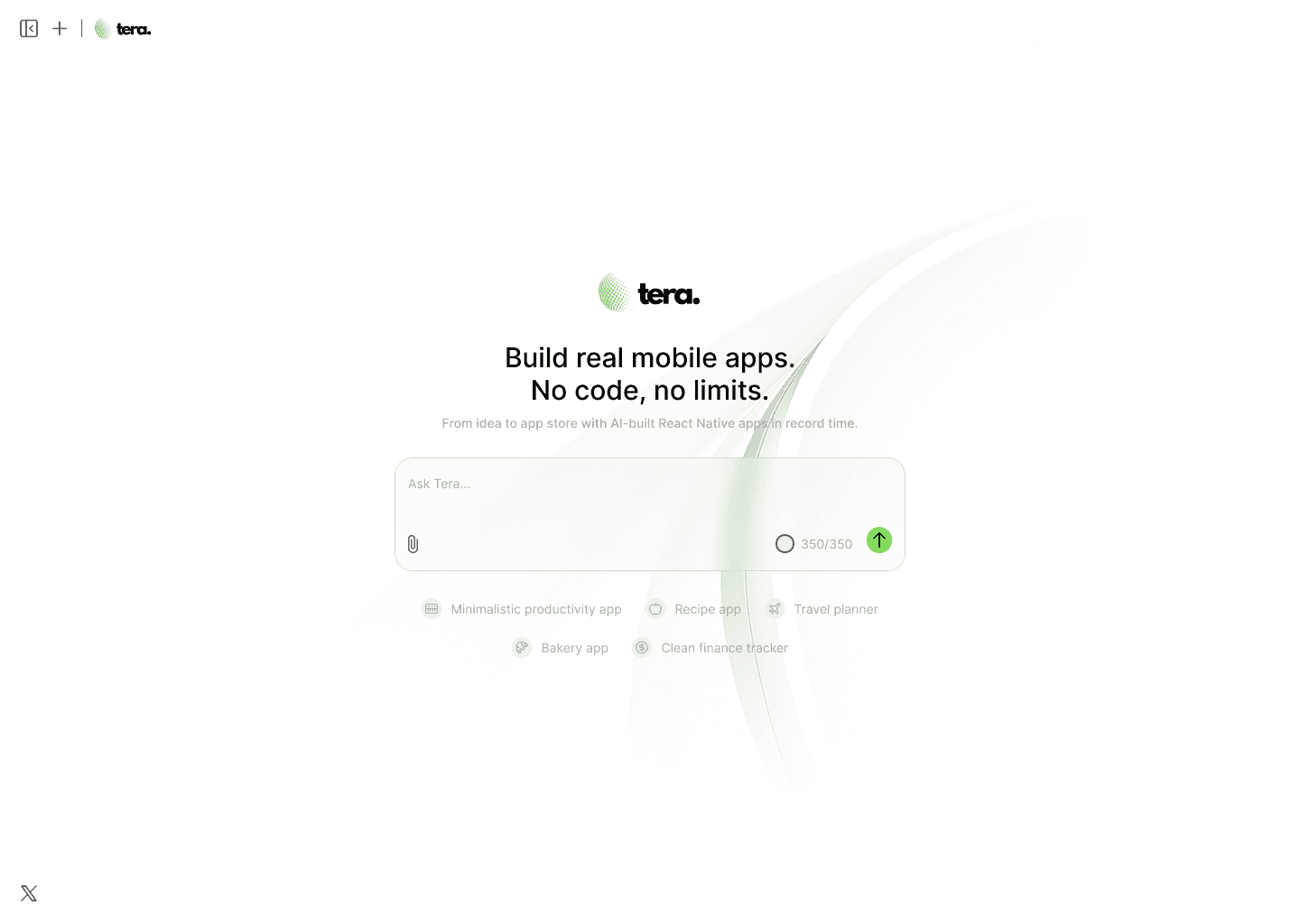
Prompt Entry Screen
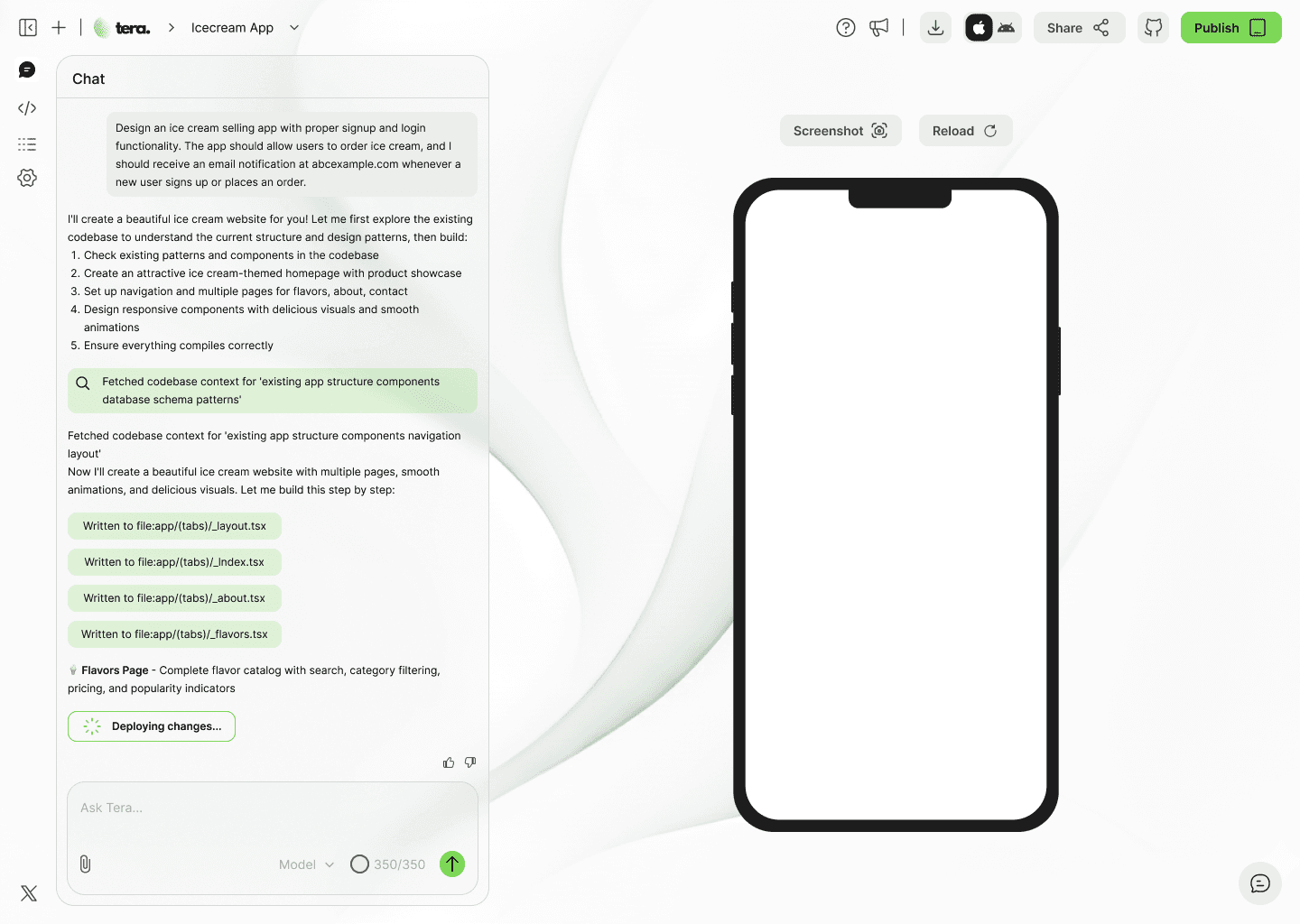
Chat With Tera
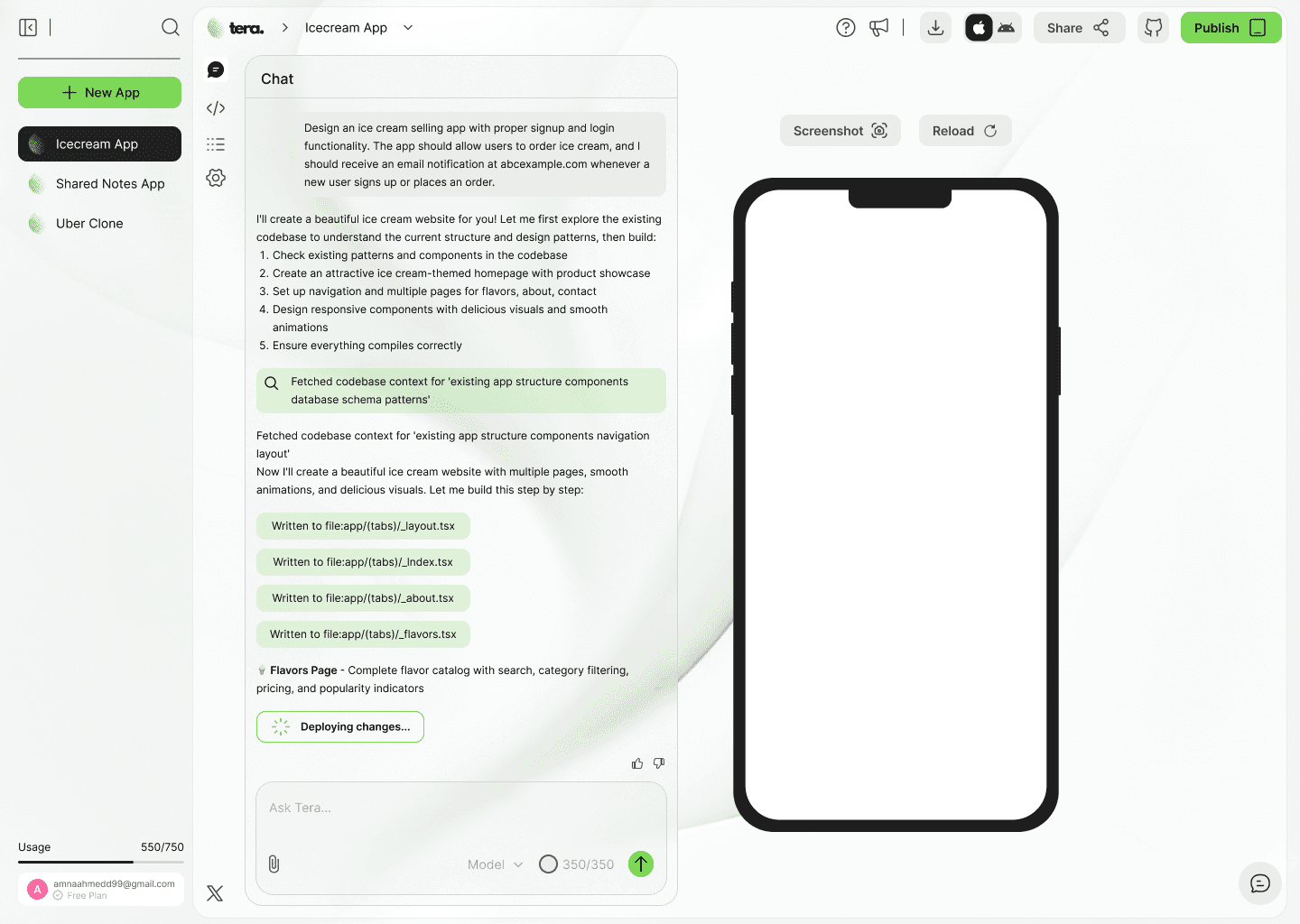
Sidebar Expanded
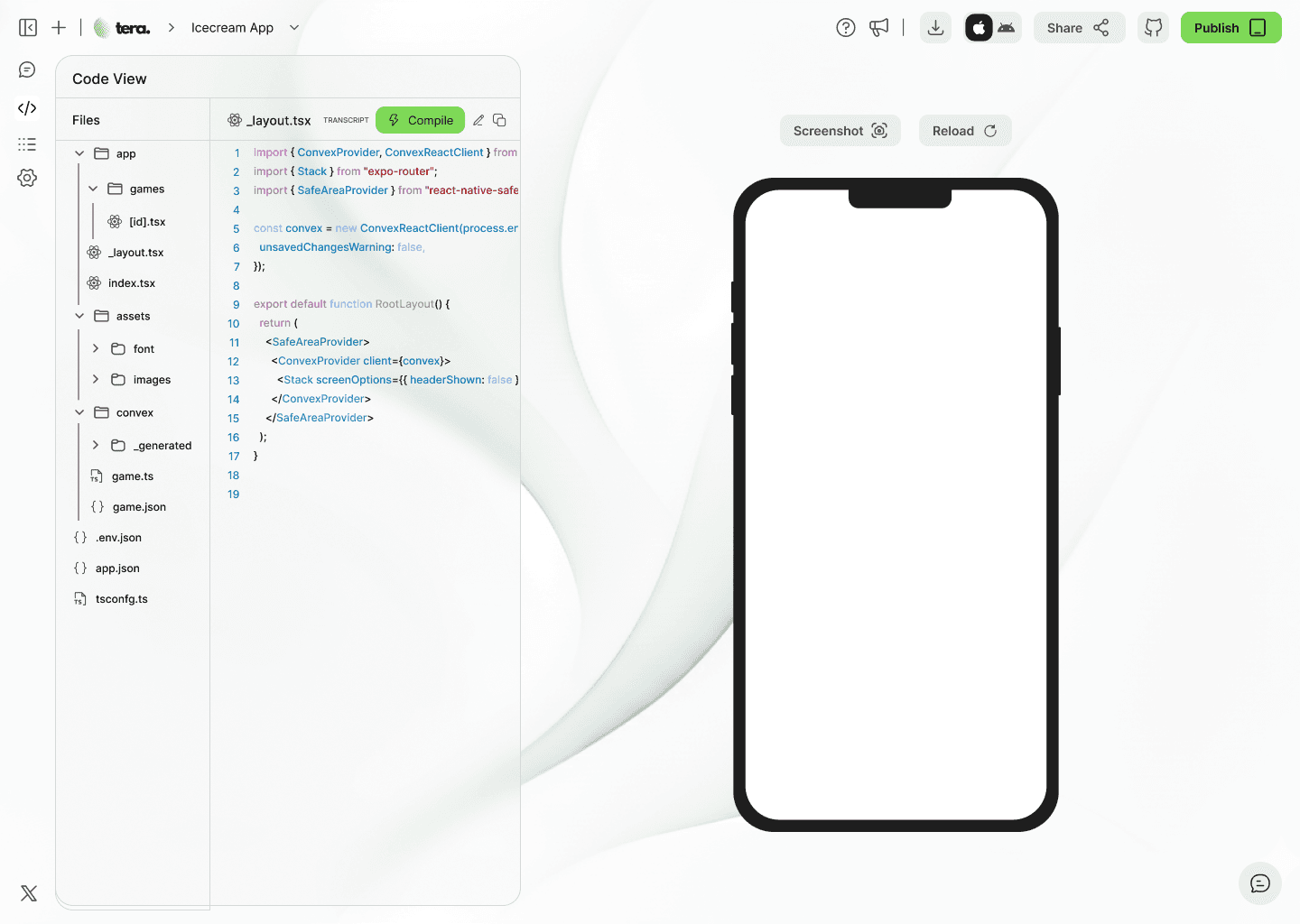
Code View Tab
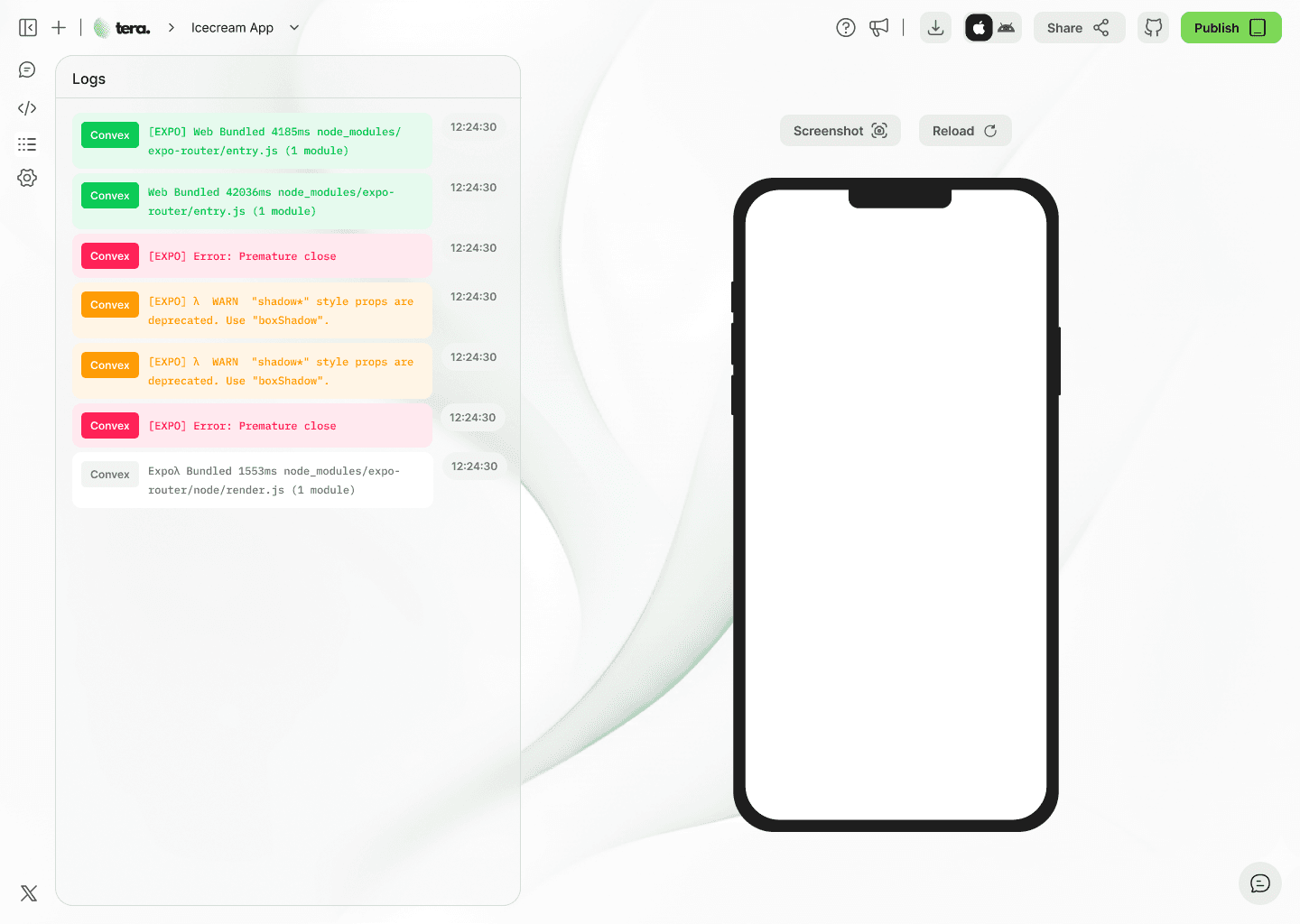
Logs Tab
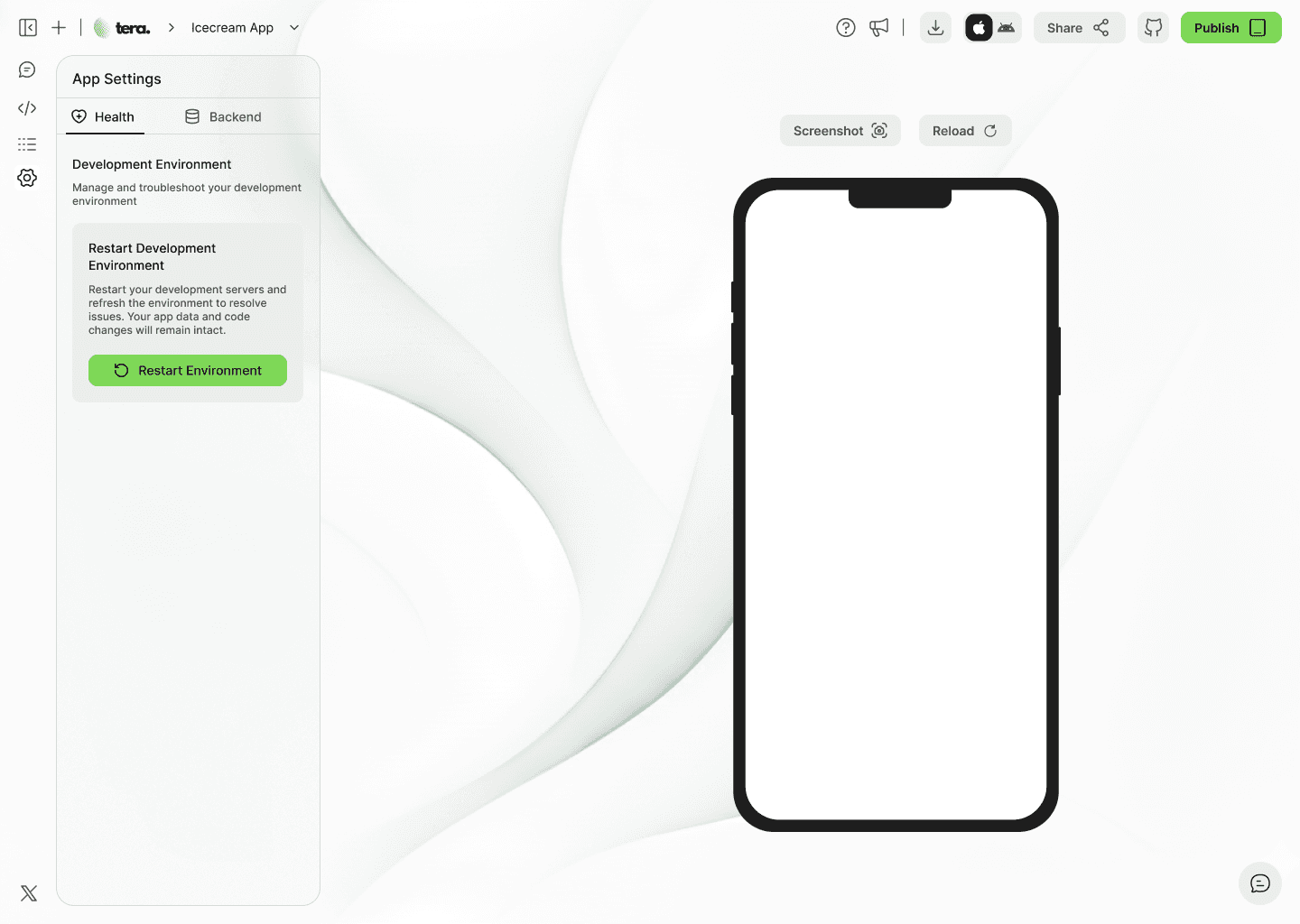
Health Tab
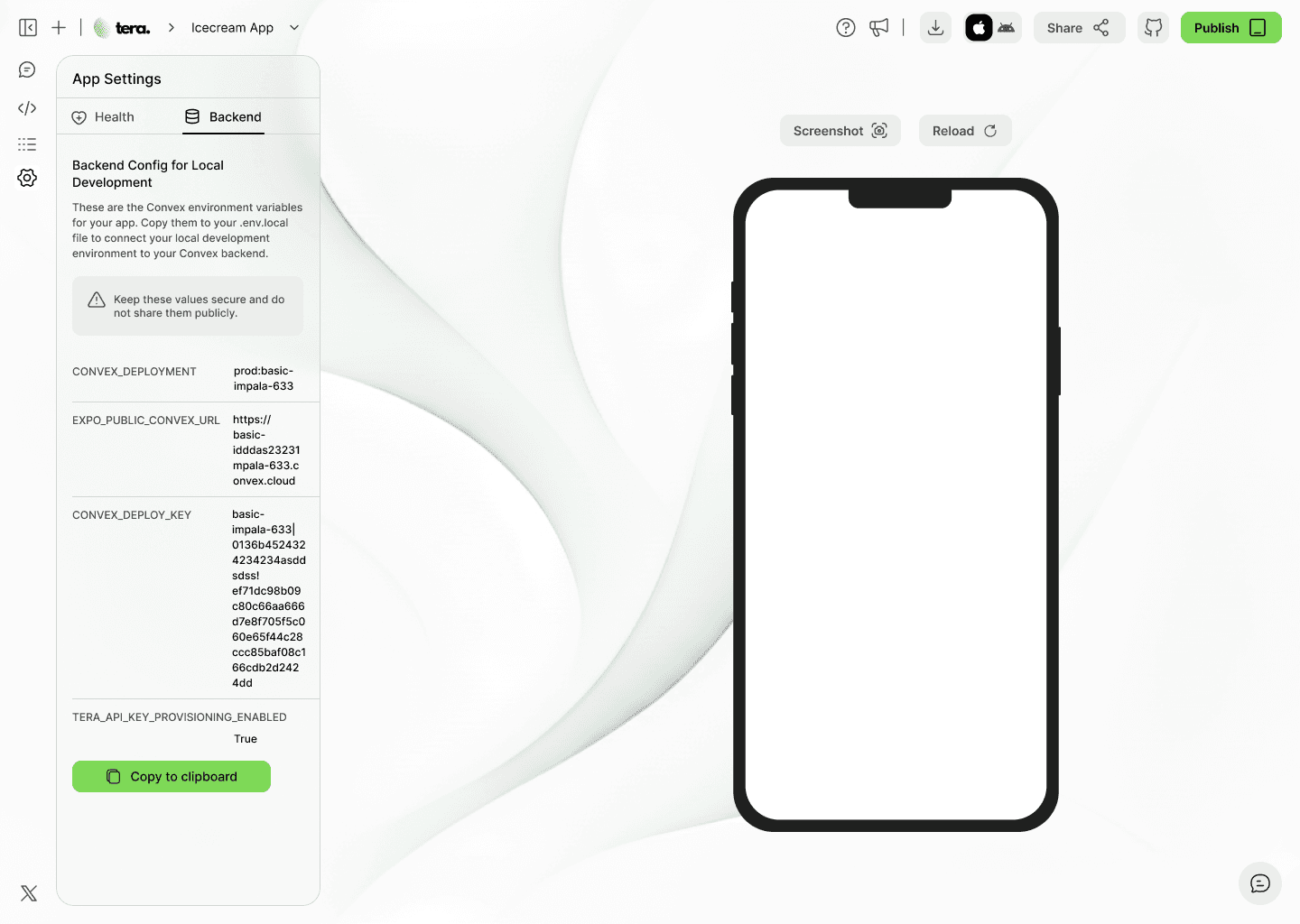
Backend Tab
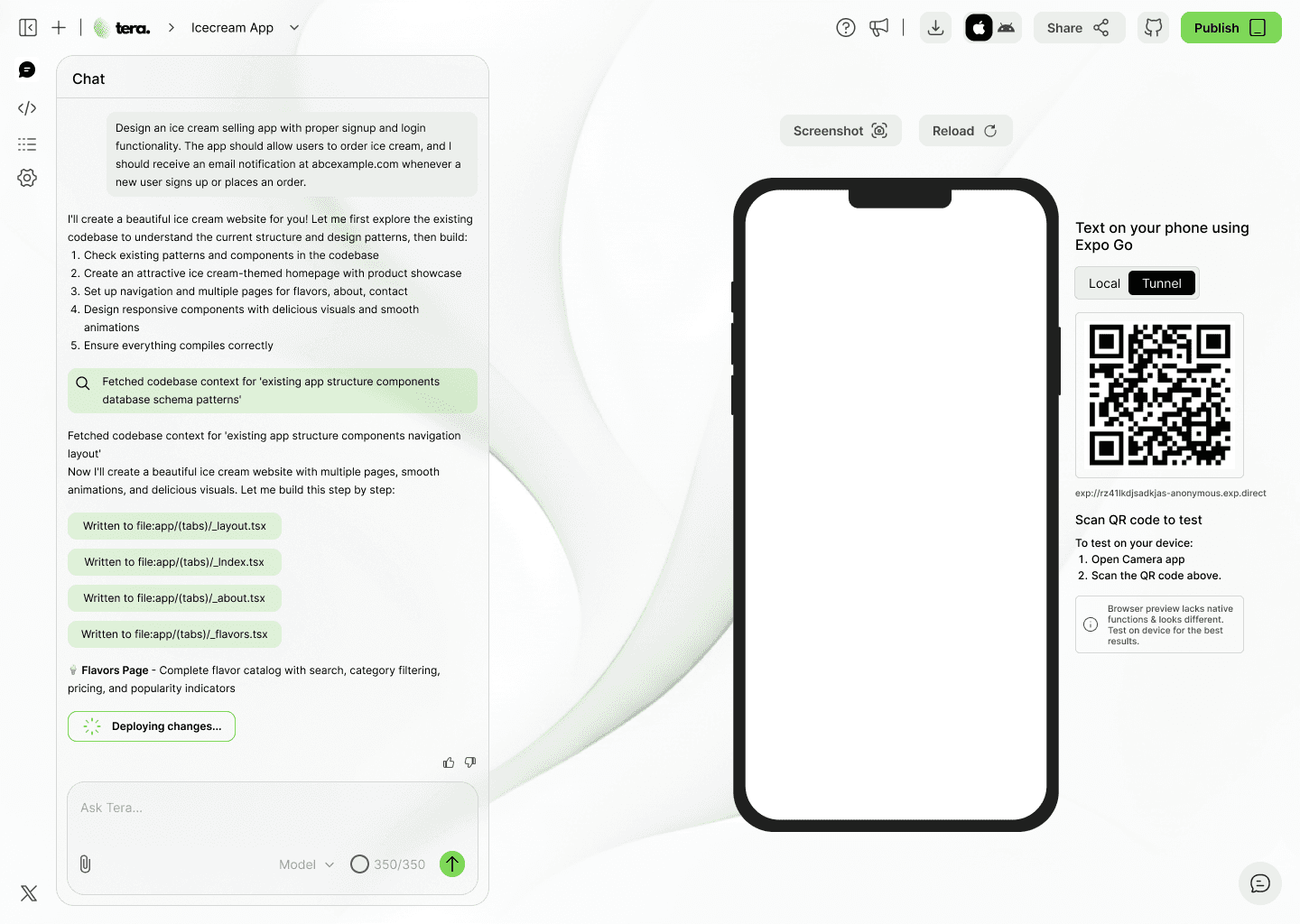
QR Code for testing
CHATBOT UI FOR LIGHT THEME
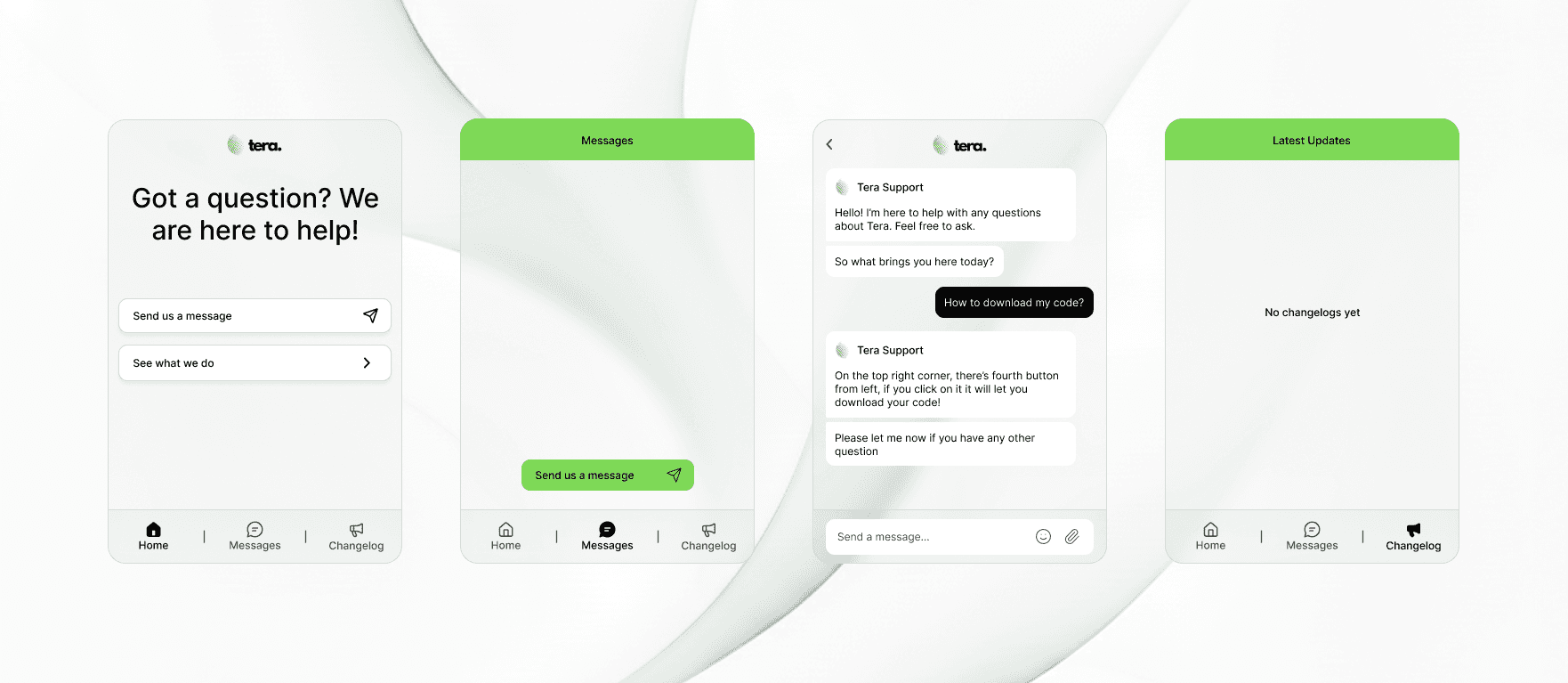
Chatbot Interface
POPUPS & DIALOGUE BOXES FOR LIGHT THEME
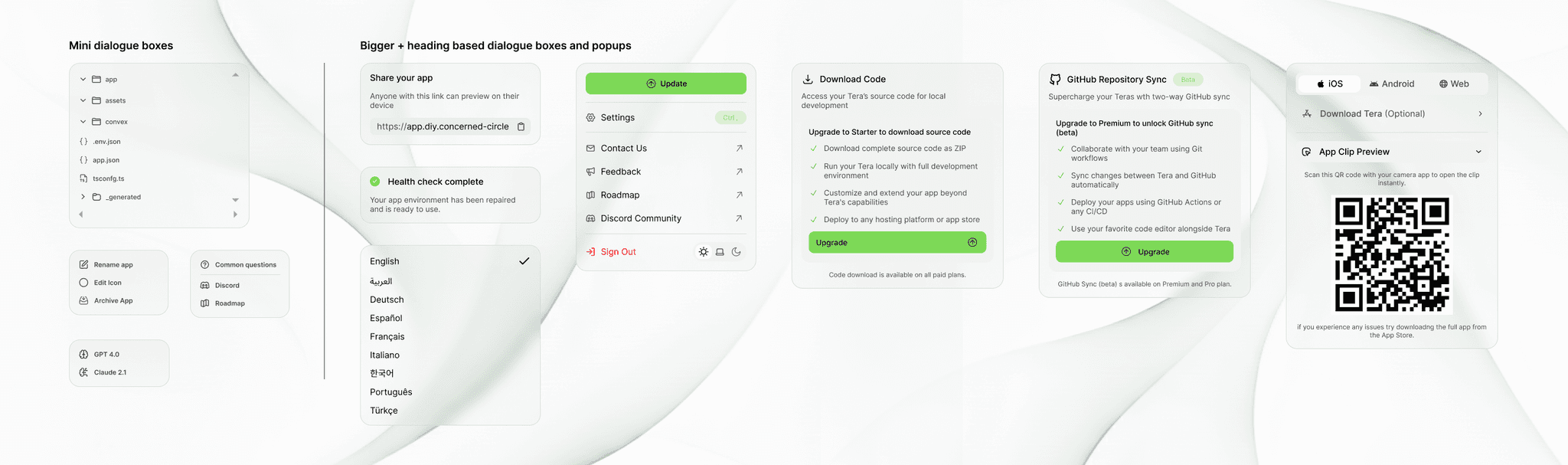
Popups & dialogue boxes
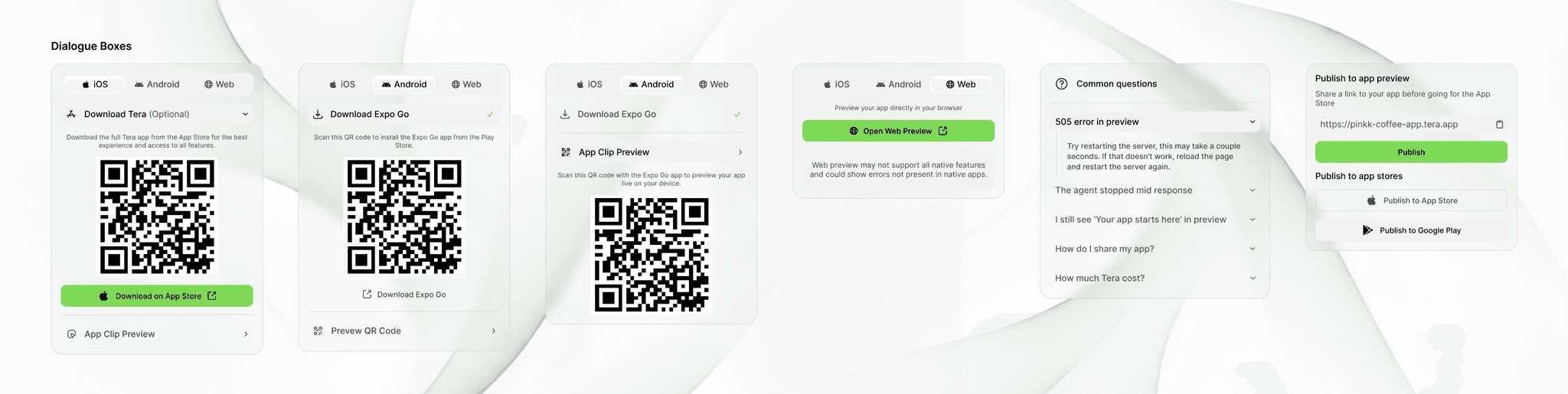
Popups & dialogue boxes
PROBLEM & SOLUTION
PROBLEM
Non-technical founders who want to publish a mobile app on the Play Store or App Store have no real alternative to hiring developers, existing no-code tools are excellent for what they do, but none of them were built to produce apps that can ship to mobile storefronts.
SOLUTION
Tera gives anyone a conversational workspace to build and publish production-ready React Native apps directly to the Play Store and App Store. A live phone mockup updates in real time as Tera writes your code, and tabs for Code View, Health, and Logs keep you in control throughout.
PROBLEM & SOLUTION
PROBLEM
Non-technical founders who want to publish a mobile app on the Play Store or App Store have no real alternative to hiring developers, existing no-code tools are excellent for what they do, but none of them were built to produce apps that can ship to mobile storefronts.
SOLUTION
Tera gives anyone a conversational workspace to build and publish production-ready React Native apps directly to the Play Store and App Store. A live phone mockup updates in real time as Tera writes your code, and tabs for Code View, Health, and Logs keep you in control throughout.
USERFLOW
1
User arrives at the initial screen and types their app idea into the 'Ask Tera…' prompt, or picks a quick-start suggestion (productivity app, recipe app, travel planner).
2
Users sign up and complete a short onboarding questionnaire.
3
The builder workspace loads with the chat panel showing Tera's thinking and build progress in real time, while the phone mockup on the right renders the live app simultaneously.
4
The user iterates with follow-up prompts like 'Change the colour scheme', 'Add a settings screen' , and watches the preview update instantly.
5
The user switches to Code View to inspect generated files, or checks Health and Logs to verify the app is running correctly.
6
When satisfied, the user hits Publish or Share from the header to deploy or distribute a preview link.
USERFLOW
1
User arrives at the initial screen and types their app idea into the 'Ask Tera…' prompt, or picks a quick-start suggestion (productivity app, recipe app, travel planner).
2
Users sign up and complete a short onboarding questionnaire.
3
The builder workspace loads with the chat panel showing Tera's thinking and build progress in real time, while the phone mockup on the right renders the live app simultaneously.
4
The user iterates with follow-up prompts like 'Change the colour scheme', 'Add a settings screen' , and watches the preview update instantly.
5
The user switches to Code View to inspect generated files, or checks Health and Logs to verify the app is running correctly.
6
When satisfied, the user hits Publish or Share from the header to deploy or distribute a preview link.
VISUAL DESIGN
PRIMARY COLOR PALETTE
#7ED957
#FFFFFF
#000000
#ECECEC
PRIMARY TYPOGRAPHY
Font: Inter
Medium 30px - H1 → Used for primary titles
Medium 22px - H2 → Used for secondary titles
Medium 16px - H3 → Used for dialogue box/popup/tab titles
Semibold/Medium 14px - H4 → Used for subheadings
Semibold 14px - H6 → Used for primary button
Regular 12px - Body (Primary - Most Used)
Hirarchy: 30 → 22 → 16 → 14 → 12
VISUAL DESIGN
PRIMARY COLOR PALETTE
#7ED957
#FFFFFF
#000000
#ECECEC
PRIMARY TYPOGRAPHY
Font: Inter
Medium 30px - H1 → Used for primary titles
Medium 22px - H2 → Used for secondary titles
Medium 16px - H3 → Used for dialogue box/popup/tab titles
Semibold/Medium 14px - H4 → Used for subheadings
Semibold 14px - H6 → Used for primary button
Regular 12px - Body (Primary - Most Used)
Hirarchy: 30 → 22 → 16 → 14 → 12
OUTCOME / IMPACT
The side-by-side chat and live preview layout makes the build process feel immediate and transparent rather than like a black box, turning what is typically an anxious wait into a collaborative experience. Dual-theme support ensures Tera feels natural for both developers and first-time users, and the always-visible Publish button reminds users from the very first prompt that shipping a real app is the expected outcome.
OUTCOME / IMPACT
The side-by-side chat and live preview layout makes the build process feel immediate and transparent rather than like a black box, turning what is typically an anxious wait into a collaborative experience. Dual-theme support ensures Tera feels natural for both developers and first-time users, and the always-visible Publish button reminds users from the very first prompt that shipping a real app is the expected outcome.
READY TO COLLABORATE?
Have a project in mind?
Let’s create something extraordinary together!
READY TO COLLABORATE?
Have a project in mind?
Let’s create something extraordinary together!
READY TO COLLABORATE?
Have a project in mind?
Let’s create something extraordinary together!